Turn soil lab results into a grower recommendation draft
Every few minutes, WebRun opens FieldX, finds fields whose soil lab results have just returned, reads the pH, organic matter, and nutrient levels, drafts a plain-language recommendation summary in Gmail for the grower, and leaves each email unsent so you can review the agronomy before it is sent.
- No credit card
- Under $0.01 per run
- Cancel anytime
What does WebRun do on every run?
The exact actions WebRun takes, in order - in plain language, so you can adjust anything.
-
WebRun signs in and gets to work
Opens
fieldx.comin a real browser with your saved login - no setup, no API keys. -
1
FieldX - read the lab results
fieldx.com How to Automate FieldX

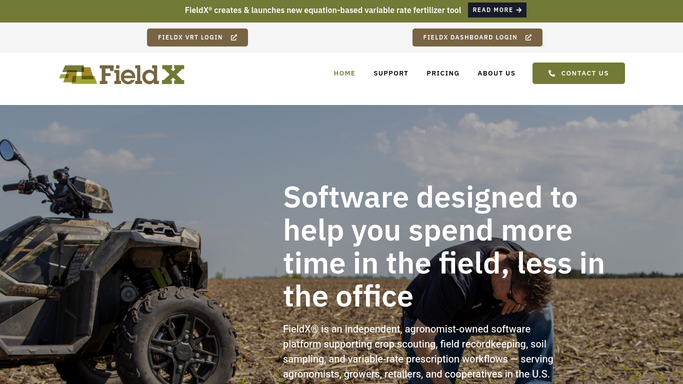
WebRun opens FieldX to read each field's returned lab results. - Open FieldX and find fields whose soil lab results returned since the last run
- Read the pH, organic matter, and nutrient levels for each sampled zone
- Skip any field whose summary was already drafted
Done when Every field with new lab results is captured with its key numbers.
-
2
Gmail - draft the recommendation
gmail.com How to Automate Gmail
WebRun drafts the recommendation summary in Gmail and leaves it unsent. - Draft a plain-language email to the grower explaining what the results mean for the field
- Note where levels are low or high and the recommendation the agronomist would make
- Save it as a draft and leave it unsent for you to review and send
Done when A ready-to-review recommendation draft sits in Gmail for every field with new results.

How do I turn soil lab results into a grower recommendation?
Every few minutes, WebRun opens FieldX and finds fields whose soil lab results have just returned, reading the pH, organic matter, and nutrient levels. It drafts a plain-language recommendation summary in Gmail for the grower and leaves it unsent, so you review the agronomy before it goes out and growers get clear guidance fast.
- Growers get a plain-language read on results within hours of return
- Every draft ties pH and nutrient levels to a clear recommendation
- You review the agronomy, so nothing goes out unchecked
Built for agronomists · crop consultants · ag retailers · certified crop advisers
How is each run configured?
Secure by default
Connect once, stays signed in
WebRun signs in once and keeps each session in a persistent environment, so every run picks up right where it left off.
Every action is checked against this policy before it runs.
Questions, answered
Will it send the recommendation to the grower on its own?
No. WebRun writes each recommendation as a draft in Gmail and leaves it unsent. You check the agronomy against the numbers and click send, so no advice reaches a grower without your approval.
Can it read the soil lab numbers correctly?
Yes. WebRun reads the pH, organic matter, and nutrient levels that FieldX records against each field, then translates them into plain language while leaving the actual recommendation for you to confirm.
What if results for a field are still pending?
It only drafts for fields whose results have returned in FieldX. Fields still awaiting the lab are skipped and picked up automatically once their numbers land.
Related templates
Put this on autopilot.
Turn it on in minutes - or have our team set it up for you.