Get a daily digest of new federal job matches
Every morning, WebRun opens USAJobs, runs your saved search, logs every new posting to a Google Sheet with its grade, agency, and closing date, and adds a card to a Notion board for any posting closing within two weeks.
- No credit card
- Under $0.01 per run
- Cancel anytime
What does WebRun do on every run?
The exact actions WebRun takes, in order - in plain language, so you can adjust anything.
-
WebRun signs in and gets to work
Opens
www.usajobs.govin a real browser with your saved login - no setup, no API keys. -
1
USAJobs - find new matching postings
usajobs.gov

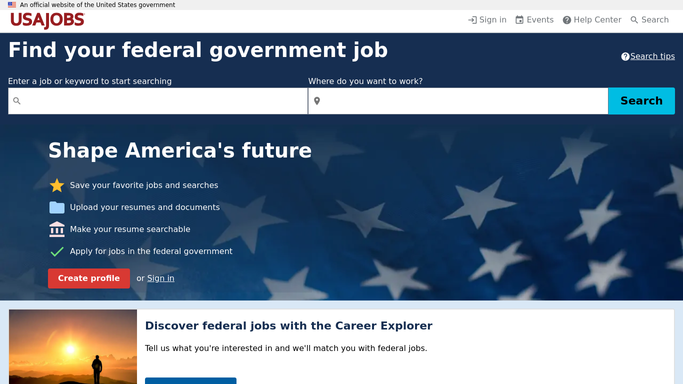
WebRun opens USAJobs to find new matching postings. - Run your saved search on USAJobs
- List any posting added since yesterday
- Capture the agency, series, grade, and closing date for each
Done when Every new matching posting today is captured with its details.
-
2
Google Sheets - log each posting
google.com How to Automate Google Sheets
WebRun opens Google Sheets to log each posting. - Add a row for each new posting with agency, grade, and closing date
- Skip postings already logged from a previous run
Done when The sheet holds every new posting from today's search.
-
3
Notion - track closing deadlines
notion.so How to Automate Notion
WebRun opens Notion to track closing deadlines. - Create a card for any posting closing within 14 days
- Move a card to Applied once you mark it submitted
Done when The Notion board reflects every open deadline you still need to act on.


How do I track new USAJobs postings and their deadlines?
WebRun runs your saved USAJobs search every morning, logs every new posting to a Google Sheet with its agency, grade, and closing date, and adds a Notion card for anything closing within two weeks. It never submits an application for you, since federal applications need your own tailored documents, but nothing new goes unnoticed.
- New postings are logged before the morning is over
- Closing deadlines sit on one board instead of scattered emails
- Nothing you meant to apply to closes unnoticed
Built for federal job seekers · career coaches · veterans transition services · military spouses
How is each run configured?
Secure by default
Connect once, stays signed in
WebRun signs in once and keeps each session in a persistent environment, so every run picks up right where it left off.
Every action is checked against this policy before it runs.
Questions, answered
Does WebRun submit federal job applications for me?
No. It only finds and logs matching postings. Every USAJobs application still requires you to complete and submit it yourself, since federal applications often need tailored documents.
How does it know which postings are new?
It compares today's search results against what is already logged in the Sheet, so only postings added since the last run get added.
What happens as a deadline gets close?
Any posting closing within 14 days gets its own Notion card, so nothing you meant to apply to closes unnoticed.
Related templates
Put this on autopilot.
Turn it on in minutes - or have our team set it up for you.