Know the moment a federal application moves
Every morning, WebRun signs in to USAJobs, reads the status of each application you have submitted, compares it to yesterday, posts anything that moved to Slack, and keeps a running board of every open application in Microsoft Teams with its announcement and closing date.
- No credit card
- Under $0.01 per run
- Cancel anytime
How do I track the status of my USAJobs applications?
WebRun tracks your federal job applications every morning. It signs in to USAJobs, reads the current status of everything you submitted, compares it with yesterday, posts any status that moved to Slack, and keeps a board of open applications and closing dates in Microsoft Teams for you.
- A referral or document request is seen the morning it appears
- Every open application carries its closing date on one board
- Unchanged applications stay silent, so an alert always means news
Built for federal job seekers · veterans · career coaches · public sector applicants
What does WebRun do on every run?
The exact actions WebRun takes, in order - in plain language, so you can adjust anything.
-
WebRun signs in and gets to work
Opens
www.usajobs.govin a real browser with your saved login - no setup, no API keys. -
1
USAJobs - read application statuses
usajobs.gov
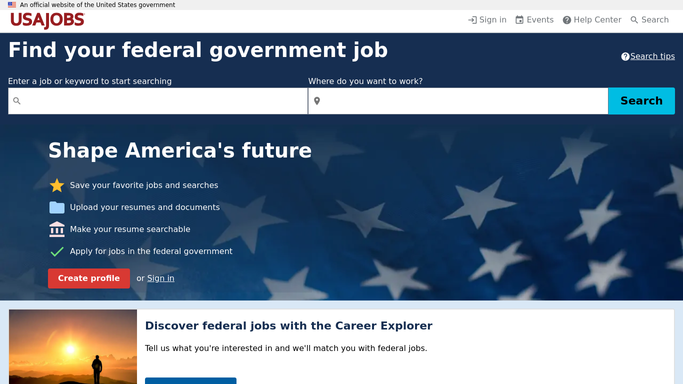
WebRun opens USAJobs to read application statuses. - Open USAJobs and go to your submitted applications
- Capture the job announcement, agency, application status, and the date the status last changed for each one
- Note any application asking for extra documents and any announcement whose closing date is near
Done when Every submitted application is listed with its current status and announcement details.
-
2
Slack - alert on overnight changes
slack.com How to Automate Slack

WebRun opens Slack to alert on overnight changes. - Compare today's statuses against the last run and keep only the ones that moved
- Post each change with the old status, the new status, and the announcement title
- Put referrals and requests for documents at the top of the message
Done when Every status that changed overnight has been posted to Slack.
-
3
Microsoft Teams - keep the running board
microsoft.com How to Automate Microsoft Teams

WebRun opens Microsoft Teams to keep the running board. - Update a running board post with every open application and its current status
- Show the agency, the announcement number, and the days left until closing
- Move applications that reached a final decision into a closed section
Done when The Teams board reflects today's full picture of open and closed applications.
How is each run configured?
Secure by default
Connect once, stays signed in
WebRun signs in once and keeps each session in a persistent environment, so every run picks up right where it left off.
Every action is checked against this policy before it runs.
Questions, answered
Does it apply to jobs for me?
No. WebRun only reads the applications you already submitted. It never starts a new application, uploads a document, or submits anything on USAJobs on your behalf.
What counts as a change worth alerting on?
Any move in the application status since the previous run, such as a referral, a request for documents, or a final decision. Unchanged applications stay quiet so the alert means something.
Will it tell me before an announcement closes?
Yes. The Teams board shows the days left until each announcement closes, so a posting you still owe documents on does not expire without warning.
Related templates
Put this on autopilot.
Turn it on in minutes - or have our team set it up for you.