Never let your Ulta Ultamate Rewards points expire
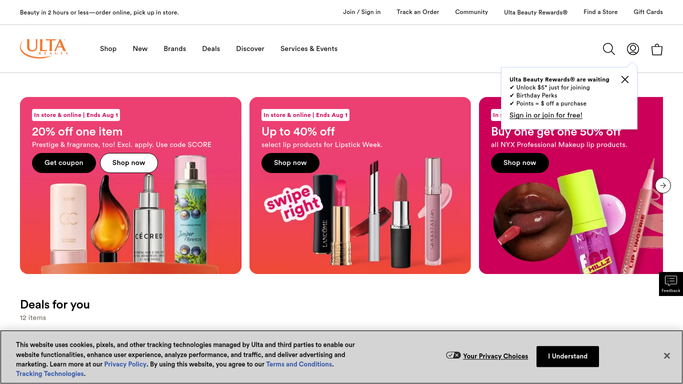
On the first Monday of each month, WebRun opens Ulta, reads the Ultamate Rewards points balance and any expiry notice, logs a dated entry to a points history sheet in Drive, and texts a reminder only when points are actually showing as at risk of expiring.
- No credit card
- Under $0.01 per run
- Cancel anytime
What does WebRun do on every run?
The exact actions WebRun takes, in order - in plain language, so you can adjust anything.
-
WebRun signs in and gets to work
Opens
ulta.comin a real browser with your saved login - no setup, no API keys. -
1
Ulta Beauty - check Ultamate Rewards status
ulta.com

WebRun opens Ulta Beauty to check Ultamate Rewards status. - Open Ulta and go to the Ultamate Rewards account page
- Read the current points balance and any expiry notice
- Capture the dollar value of points at risk of expiring
Done when The points balance and any expiry notice are captured.
-
2
Twilio - text an expiry reminder
twilio.com How to Automate Twilio
WebRun opens Twilio to text an expiry reminder. - Send an SMS reminder if points are showing an expiry notice
- Include the points balance and expiry date
- Skip the text if no expiry is currently showing
Done when A reminder text goes out only when points are actually at risk.
-
3
Google Drive - log the points history
drive.google.com How to Automate Google Drive
WebRun opens Google Drive to log the points history. - Open the Ultamate Rewards Log sheet in Drive
- Add a dated row with the current points balance
- Track the balance trend over each monthly check
Done when The points history log has today's balance recorded.


How do I track my Ulta Ultamate Rewards points before they expire?
WebRun checks the Ulta Ultamate Rewards account monthly for the points balance and any expiry notice, logs a dated entry to a Drive history sheet, and texts a reminder only when points are actually showing as at risk. This keeps earned beauty rewards points from quietly lapsing unused.
- Points get redeemed before they expire instead of lapsing
- A running balance history builds itself in Drive
- No text at all in a month with nothing at risk
Built for frequent Ulta shoppers · beauty loyalty program members · household admins · beauty rewards trackers
How is each run configured?
Secure by default
Connect once, stays signed in
WebRun signs in once and keeps each session in a persistent environment, so every run picks up right where it left off.
Every action is checked against this policy before it runs.
Questions, answered
Will it redeem points for me?
No. WebRun only tracks the balance and expiry status. Redeeming points at checkout is done by the account holder on Ulta.
How does it know points are at risk?
It reads whatever expiry notice Ulta shows on the Ultamate Rewards account page at the time of the check, so the reminder reflects the account's actual status.
What if there is no expiry notice this month?
No text goes out that month. The points balance is still logged to the history sheet either way.
Related templates
Put this on autopilot.
Turn it on in minutes - or have our team set it up for you.