Alert staff before a jump slot hits capacity
Every hour, WebRun opens Wakesys, reads today's jump session time slots and how full each is, spots any slot nearing its capacity limit, adds a heads-up block on the staff Google Calendar for that hour, and posts an early warning to Slack so managers can add floor cover before the rush.
- No credit card
- Under $0.01 per run
- Cancel anytime
What does WebRun do on every run?
The exact actions WebRun takes, in order - in plain language, so you can adjust anything.
-
WebRun signs in and gets to work
Opens
www.wakesys.comin a real browser with your saved login - no setup, no API keys. -
1
Wakesys - read slot fill against capacity
wakesys.com How to Automate Wakesys

WebRun opens Wakesys to compare slot bookings against capacity. - Open Wakesys and read today's jump session time slots with their capacity limits
- For each slot, compare booked jumpers against the limit
- Flag any slot within your warning threshold of full, for example 85 percent booked
Done when Every slot near or at capacity today is identified with its fill level.
-
2
Google Calendar - block a heads-up on the busy hour
calendar.google.com How to Automate Google Calendar
WebRun blocks a heads-up on the staff Google Calendar for busy hours. - Open the staff operations Google Calendar
- Add a heads-up event on each near-capacity hour titled with the slot and fill level
- Update the event if the slot fills further on the next run
Done when Each near-capacity hour has a heads-up block on the staff calendar.
-
3
Slack - warn managers to add cover
slack.com How to Automate Slack
WebRun posts the near-capacity warning to the operations Slack. - Post an early warning to the operations Slack channel naming the slot and how full it is
- Suggest adding floor cover or opening the next slot, ordered by which fills soonest
- Keep the alert internal to staff. This run never messages guests
Done when Managers have a Slack warning for every near-capacity slot today.
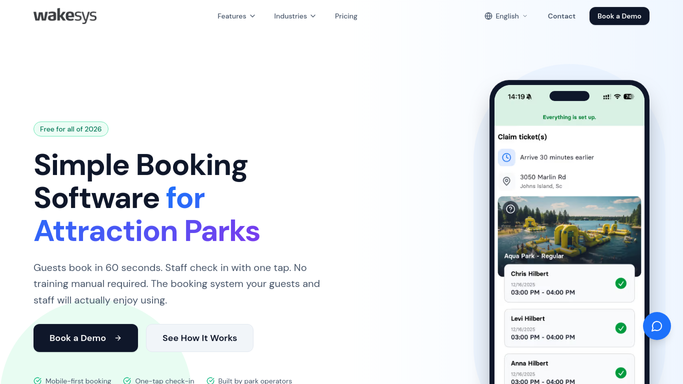


How do I get warned before a trampoline park time slot sells out?
WebRun opens Wakesys every hour, reads today's jump session slots, and compares booked jumpers against each capacity limit. When a slot nears full, it blocks a heads-up on the staff Google Calendar and posts an early warning to Slack ordered by which fills soonest, so managers add floor cover before the rush hits.
- Floor cover is added before a slot peaks, not after
- Managers see busy hours blocked on the staff calendar
- No booking is changed or guest messaged unattended
Built for trampoline parks · jump parks · family entertainment centers · operations managers
How is each run configured?
Secure by default
Connect once, stays signed in
WebRun signs in once and keeps each session in a persistent environment, so every run picks up right where it left off.
Every action is checked against this policy before it runs.
Questions, answered
Is it safe to let this run unattended?
Yes. It only reads Wakesys capacity and writes an internal Slack warning and a staff calendar block. It never changes a booking, opens a slot, or messages a guest on its own.
Can I set when the warning fires?
Yes. You choose the threshold, such as 85 percent of capacity, and WebRun flags any slot that crosses it so you get the heads-up with time to add cover.
Does it close a slot once it is full?
No. It reports that a slot is at capacity and suggests action, but opening or closing a slot in Wakesys stays a manual decision for your managers.
Related templates
Put this on autopilot.
Turn it on in minutes - or have our team set it up for you.