Keep tow dispatches and invoices on track
Every morning, WebRun opens Towbook, counts overnight dispatches by driver and call type, flags any calls still open or unresolved, and posts a concise digest to your Slack channel so your dispatcher starts the day with full situational awareness.
- No credit card
- Under $0.01 per run
- Cancel anytime
What does WebRun do on every run?
The exact actions WebRun takes, in order - in plain language, so you can adjust anything.
-
WebRun signs in and gets to work
Opens
app.towbook.comin a real browser with your saved login - no setup, no API keys. -
1
Towbook - read overnight dispatches
towbook.com How to Automate Towbook

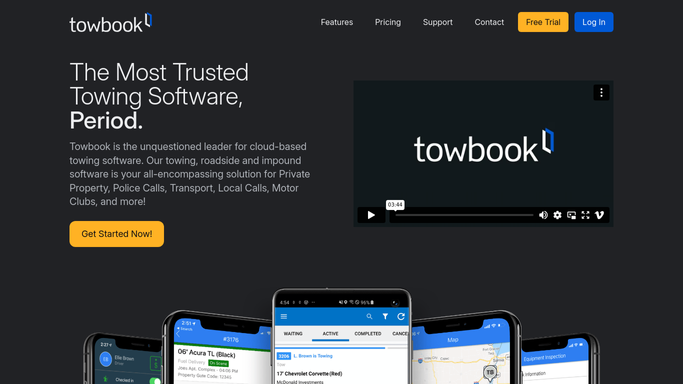
WebRun opens Towbook to read overnight dispatches. - Open Towbook and navigate to the Dispatches section
- Filter calls to the past 24 hours
- Count completed, pending, and cancelled calls by driver
- Flag any call still in an open or unresolved status
- Note call types: motor club, private property, police rotation, and direct
Done when Every overnight dispatch is counted and any open calls are flagged.
-
2
Slack - post morning digest
slack.com How to Automate Slack
WebRun opens Slack to post morning digest. - Post the digest to the dispatcher Slack channel
- List total calls, breakdown by driver, and any unresolved calls at the top
- Include a direct link to the open calls in Towbook
Done when The morning digest is live in Slack for the dispatch team.

How do I get a daily towing dispatch summary automatically?
Every morning, WebRun opens Towbook, tallies the previous 24 hours of dispatches by driver and call type, flags any calls still open, and posts the summary to Slack. Dispatchers start each shift with a clear picture of overnight activity without manually pulling reports.
- Dispatchers start every shift with an accurate overnight activity summary
- Open or stalled calls are flagged before the day starts
- No manual report pulling from Towbook each morning
Built for towing companies · roadside assistance operators · tow dispatchers · fleet managers
How is each run configured?
Secure by default
Connect once, stays signed in
WebRun signs in once and keeps each session in a persistent environment, so every run picks up right where it left off.
Every action is checked against this policy before it runs.
Questions, answered
Does it send anything to customers?
No. The digest is internal only. WebRun posts a read-only summary to your Slack channel and never contacts drivers or customers directly.
Which call types does it include?
It captures all call types logged in Towbook overnight: motor club, private property, police rotation, and direct calls, broken down in the digest.
What if there were no overnight calls?
WebRun still posts a short 'no calls overnight' note so your team knows the run completed and nothing was missed.
Related templates
Put this on autopilot.
Turn it on in minutes - or have our team set it up for you.