Ask happy TouchBistro guests for a review automatically
After every service, WebRun opens TouchBistro, identifies guests who dined today and have a history of high satisfaction or a high check average, drafts a short, friendly review-request SMS via Twilio for each eligible guest, logs the list to Google Sheets, and queues every message for your manager to approve before anything is sent.
- No credit card
- Under $0.01 per run
- Cancel anytime
What does WebRun do on every run?
The exact actions WebRun takes, in order - in plain language, so you can adjust anything.
-
WebRun signs in and gets to work
Opens
app.touchbistro.comin a real browser with your saved login - no setup, no API keys. -
1
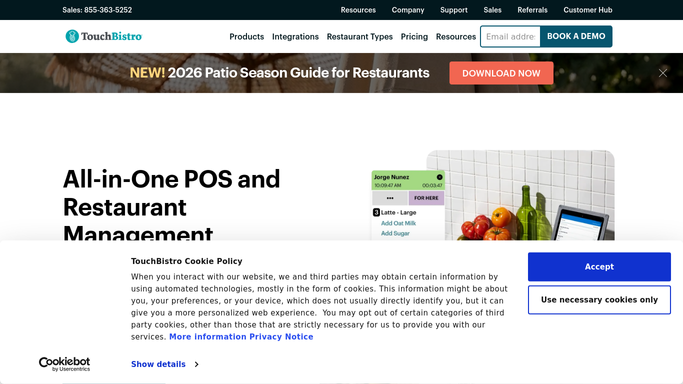
TouchBistro - identify eligible guests from today's service
touchbistro.com How to Automate TouchBistro

WebRun opens TouchBistro to identify eligible guests from today's service. - Open TouchBistro and review today's closed checks with loyalty guest data attached
- Filter to guests who have a phone number on file and have not received a review request in the past 90 days
- Prioritize guests with a high check average or repeat visit count as likely satisfied diners
Done when Eligible guests from today's service are identified with contact and visit context.
-
2
Google Sheets - log eligible guest list with check and contact detail
google.com How to Automate Google Sheets
WebRun opens Google Sheets to log eligible guest list with check and contact detail. - Log each eligible guest with name, phone, check total, visit count, and today's date
- Mark guests who have been contacted before so they are not targeted again too soon
- Keep the log as an ongoing record of review-request outreach
Done when Eligible guest list is logged in Google Sheets for tonight's batch.
-
3
Twilio - draft review-request SMS for manager approval
twilio.com How to Automate Twilio
WebRun opens Twilio to draft review-request SMS for manager approval. - Draft a short, friendly SMS for each eligible guest using their first name and your restaurant name
- Include a direct link to your Google or Yelp review page as specified in your setup
- Queue every draft in Twilio for your manager to review and approve before sending
- Never send any SMS to a guest automatically: human approval is required for every message
Done when A review-request SMS draft is queued in Twilio for every eligible guest, pending approval.


How do I automatically request reviews from satisfied TouchBistro guests?
After each service, WebRun reviews closed checks in TouchBistro, identifies guests with a phone number and a strong visit history, logs them to Google Sheets, and drafts a personalized review-request SMS via Twilio for each. Every message waits for your manager to review and approve before it reaches a guest.
- Review requests go to the right guests, not every check, reducing opt-out risk
- No SMS reaches a guest without manager sign-off
- Outreach history in Sheets prevents messaging the same guest twice
Built for restaurant owners · restaurant managers · hospitality marketing teams · multi-location restaurants
How is each run configured?
Secure by default
Connect once, stays signed in
WebRun signs in once and keeps each session in a persistent environment, so every run picks up right where it left off.
Every action is checked against this policy before it runs.
Questions, answered
Will it text guests without my approval?
No. Every review-request SMS is drafted and queued in Twilio for your manager to review. No message is sent to a guest until a human approves each one.
How does it avoid messaging the same guest too often?
WebRun checks the Google Sheets log and excludes any guest who received a review request in the past 90 days. You can adjust that window during setup.
Which review platform does the SMS link to?
You choose during setup: Google, Yelp, TripAdvisor, or any URL you specify. WebRun inserts that link into every draft.
Related templates
Put this on autopilot.
Turn it on in minutes - or have our team set it up for you.