Flag unusual refunds in TouchBistro before they slip through
Every morning, WebRun opens TouchBistro, pulls yesterday's refund transactions, flags any refund that exceeds your amount threshold or is missing a documented reason, cross-checks the refund against Stripe settlement records for consistency, and posts a concise exception alert to your manager Slack channel with the detail needed to investigate.
- No credit card
- Under $0.01 per run
- Cancel anytime
What does WebRun do on every run?
The exact actions WebRun takes, in order - in plain language, so you can adjust anything.
-
WebRun signs in and gets to work
Opens
app.touchbistro.comin a real browser with your saved login - no setup, no API keys. -
1
TouchBistro - pull yesterday's refund transactions
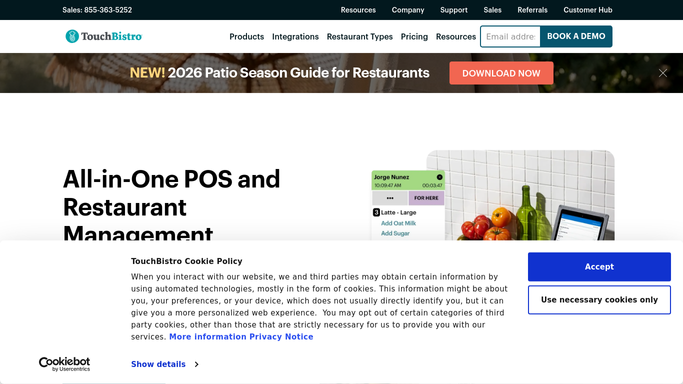
touchbistro.com How to Automate TouchBistro

WebRun opens TouchBistro to pull yesterday's refund transactions. - Open TouchBistro Reporting and navigate to the Refunds report for yesterday
- Capture each refund with amount, server, table, time, reason code, and authorizing manager
- Flag refunds above your configured threshold amount
- Flag refunds with a missing or blank reason code
Done when All refunds from yesterday are captured and exception flags are applied.
-
2
Stripe - cross-check refunds against settlement records
stripe.com How to Automate Stripe
WebRun opens Stripe to cross-check refunds against settlement records. - Open Stripe and locate the corresponding refund records for the same date
- Compare the refund amounts in Stripe with those recorded in TouchBistro
- Flag any refund that appears in TouchBistro but does not have a matching Stripe record, or where amounts differ
Done when Refunds are cross-checked between TouchBistro and Stripe with discrepancies noted.
-
3
Slack - post refund exception alert to manager channel
slack.com How to Automate Slack
WebRun opens Slack to post refund exception alert to manager channel. - Post a summary of total refunds, count of flagged exceptions, and a list of the flagged items with server, amount, and reason
- Include Stripe discrepancies as a separate section if any are found
- Tag the manager so the alert is actioned before the first service of the day
Done when Manager has the refund exception report in Slack before the morning shift.


How do I automatically flag unusual refunds in TouchBistro?
WebRun scans TouchBistro refund transactions every morning, flags any that exceed your threshold or lack a documented reason, cross-checks them against Stripe settlement records for discrepancies, and posts a concise exception report to your manager Slack channel before the first service of the day.
- Unusual refunds surface every morning before the first service, not at month-end
- Stripe discrepancies are caught before they cause settlement problems
- Manager has a targeted exception list, not a raw refund report to dig through
Built for restaurant managers · restaurant owners · hospitality finance teams · bar managers
How is each run configured?
Secure by default
Connect once, stays signed in
WebRun signs in once and keeps each session in a persistent environment, so every run picks up right where it left off.
Every action is checked against this policy before it runs.
Questions, answered
What makes a refund count as an exception?
You set the rules during setup. Any refund above your dollar threshold, any refund with a missing reason code, and any refund that appears in TouchBistro but not in Stripe is flagged as an exception.
Will it reverse or cancel any refund automatically?
No. WebRun only reads and reports. It never modifies a refund in TouchBistro or Stripe. All decisions and actions are made by your manager after reviewing the alert.
What if there are no exceptions on a given day?
WebRun posts a brief all-clear note in Slack so your manager knows the check ran cleanly and there is nothing to investigate today.
Related templates
Put this on autopilot.
Turn it on in minutes - or have our team set it up for you.