Automated TaskRabbit Review Request Chasing
Every morning, WebRun signs into TaskRabbit, lists the tasks you completed in the last two weeks, checks which ones still have no review, drafts a short polite ask for each client, records who was asked and when in Google Sheets, and sends you the day's list on Telegram to approve.
How do I ask clients for a review while the job is still fresh?
Every morning, WebRun signs into TaskRabbit, lists the jobs you completed in the last two weeks, and finds the ones with no review yet. It drafts a short polite ask in each client thread, tracks who was asked in Google Sheets, and sends the list to Telegram for you to approve and send.
- Every finished job gets an ask while the client still remembers it
- You approve each message before a client ever sees it
- The tracker stops the same client being asked twice
Built for Taskers · handymen · freelancers · local service providers
What does WebRun do on every run?
The exact actions WebRun takes, in order - in plain language, so you can adjust anything.
-
WebRun signs in and gets to work
Opens
www.taskrabbit.comin a real browser with your saved login - no setup, no API keys. -
1
TaskRabbit - find jobs with no review
taskrabbit.com
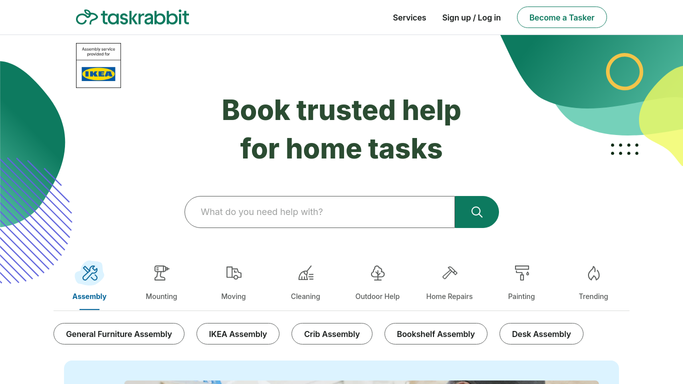
WebRun opens TaskRabbit to find jobs with no review. - Sign into TaskRabbit and list the tasks marked complete in the last 14 days
- Check each one for a review and a rating from the client
- Keep the completed jobs with no review, noting the client, the task type, and the completion date
- Draft a short, polite ask for each in the message thread, mentioning the specific job
- Leave every message unsent. WebRun writes the ask, you press send inside TaskRabbit
Done when Every unreviewed completed job has a drafted ask waiting.
-
2
Google Sheets - track who was asked
google.com

WebRun opens Google Sheets to track who was asked. - Add a row per job to your review tracker in Google Sheets
- Record the client, the task, the completion date, and whether an ask has been drafted or sent
- Mark jobs that received a review since the last run and stop chasing them
- Do not draft a second ask for a client already asked once, unless you set a follow-up window
Done when The tracker shows every completed job and where its review request stands.
-
3
Telegram - send the day's asks to approve
telegram.org

WebRun opens Telegram to send the day's asks to approve. - Send today's list to your Telegram: which clients have a drafted ask waiting
- Put the most recently finished jobs first, since a fresh job gets the warmest reply
- Show your review count and how many jobs are still unreviewed this month
- Keep it short so approving takes a minute between jobs
Done when You have today's asks to approve and the running review count.
How is each run configured?
Secure by default
Connect once, stays signed in
WebRun signs in once and keeps each session in a persistent environment, so every run picks up right where it left off.
Every action is checked against this policy before it runs.
Questions, answered
Will it message my clients without me?
No. Every ask is drafted in the TaskRabbit thread and left unsent. You read it, adjust the wording if you want, and send it yourself, so no client hears from an automation.
Will it ask the same client twice?
No. The Google Sheets tracker records who has been asked and when, and WebRun skips them unless you deliberately set a single polite follow-up window.
Does it offer clients anything for a review?
No. The drafted ask is a plain thank you and a request. Nothing is offered in exchange, which keeps the reviews honest and within the platform's rules.
Related templates
Put this on autopilot.
Turn it on in minutes - or have our team set it up for you.