Catch listings that stop selling before you lose the day
Every morning, WebRun opens your Target Plus seller account, reviews your listings for anything out of stock, inactive, or missing images and copy, creates a Trello card for each fix with the item and the reason, and texts you through Twilio when one of your best selling items has gone unavailable.
- No credit card
- Under $0.01 per run
- Cancel anytime
How do I find Target Plus listings that have stopped selling?
WebRun signs in to your Target Plus seller account every morning and finds listings that are out of stock, inactive, or missing images and copy. It creates one Trello card per fix with the reason, and texts you through Twilio when a recent best seller goes unavailable, so lost sales are caught the same day.
- A best seller going out of stock is known within hours
- Every unsellable listing has a card and an owner
- Content gaps stop sitting unnoticed on live items
Built for marketplace sellers · ecommerce operations · brand managers · catalog teams
What does WebRun do on every run?
The exact actions WebRun takes, in order - in plain language, so you can adjust anything.
-
WebRun signs in and gets to work
Opens
target.comin a real browser with your saved login - no setup, no API keys. -
1
Target - check listings for stock and content gaps
target.com
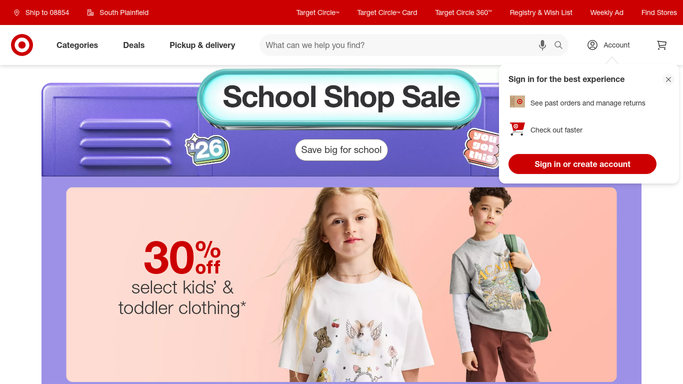
WebRun opens Target to check listings for stock and content gaps. - Sign in to your Target Plus seller account and open your item listings
- Collect items showing zero available inventory or an inactive status
- Note listings missing images, bullet points, or a description
- Capture the item name, the identifier, and the reason it is not sellable
- Mark which of the affected items are among your recent best sellers
Done when Every listing with a stock, status, or content problem is captured with its reason.
-
2
Trello - card each fix for the team
trello.com How to Automate Trello

WebRun opens Trello to card each fix for the team. - Open your marketplace operations board in Trello
- Create one card per affected listing with the item, the reason, and the fix needed
- Label cards by type: restock, reactivate, or content
- Put best selling items at the top of the list
- Skip creating a duplicate when an open card already covers that item
Done when Every unsellable listing has exactly one open Trello card.
-
3
Twilio - text you when a top seller goes dark
twilio.com How to Automate Twilio

WebRun opens Twilio to text you when a top seller goes dark. - Draft a short text naming the item and why it stopped being sellable
- Send it to your own number only when a recent best seller is affected
- Leave any message to a supplier or to Target support as a draft for your approval
- Send nothing on mornings when the catalog is clean
Done when You are texted only when a genuinely important listing has gone dark.
How is each run configured?
Secure by default
Connect once, stays signed in
WebRun signs in once and keeps each session in a persistent environment, so every run picks up right where it left off.
Every action is checked against this policy before it runs.
Questions, answered
Will it change my prices or inventory?
No. WebRun reads your listings and reports what is wrong. It never edits a price, never changes an inventory figure, and never activates or deactivates an item. Every catalog change stays with your team.
Does it contact suppliers or Target support?
No. Any message to a supplier or to marketplace support is drafted and left for you to approve. The only thing sent automatically is a text to your own number.
Will I get a card for the same item every day?
No. It checks the board first, so an item with an open card is skipped rather than duplicated. Once the listing is sellable again the card can be closed and it drops off the list.
Related templates
Put this on autopilot.
Turn it on in minutes - or have our team set it up for you.