Start the day with a clear bay throughput digest
Every morning, WebRun opens TankSoft Pro, reads the prior day's completed washes and bay activity, tallies washes per bay, utilization, average turn time, and wash-type mix, and posts a short throughput digest to Slack so the team starts the day knowing yesterday's output and where the bottlenecks were.
- No credit card
- Under $0.01 per run
- Cancel anytime
What does WebRun do on every run?
The exact actions WebRun takes, in order - in plain language, so you can adjust anything.
-
WebRun signs in and gets to work
Opens
tanksoftpro.comin a real browser with your saved login - no setup, no API keys. -
1
TankSoft Pro - read yesterday's wash activity
tanksoftpro.com How to Automate TankSoft Pro

WebRun opens TankSoft Pro to read yesterday's wash activity. - Open TankSoft Pro and pull the prior day's completed wash tickets and bay activity
- Tally washes per bay, average turn time, and the mix of wash types across tanker, IBC, ISO, and rail
- Calculate utilization per bay and note any bay that sat idle or ran long
Done when Yesterday's throughput is tallied per bay with turn time and utilization.
-
2
Slack - post the throughput digest
slack.com How to Automate Slack
WebRun opens Slack to post the throughput digest. - Post a throughput digest to the operations channel with total washes, washes per bay, and average turn time
- Call out the busiest and slowest bays and any wash type that ran long
- Compare the totals with the prior day so trends are visible at a glance
Done when The team has yesterday's throughput digest in Slack before the shift.
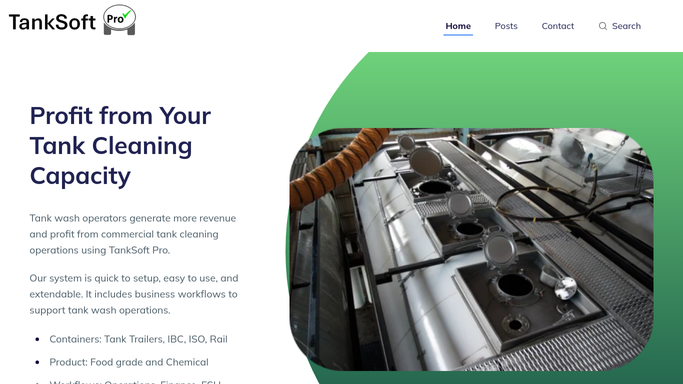

How do I get a daily tank wash bay throughput report?
Every morning WebRun opens TankSoft Pro and reads the prior day's completed washes and bay activity. It tallies washes per bay, utilization, average turn time, and the wash-type mix across tanker, IBC, ISO, and rail, then posts a short throughput digest to Slack with a day-over-day comparison, so the team starts the shift knowing yesterday's output and its bottlenecks.
- The team sees yesterday's throughput before the shift starts
- Slow or idle bays are called out each morning
- Turn-time trends are visible day over day in one Slack post
Built for wash-bay managers · tank wash operators · operations supervisors · tanker cleaning stations
How is each run configured?
Secure by default
Connect once, stays signed in
WebRun signs in once and keeps each session in a persistent environment, so every run picks up right where it left off.
Every action is checked against this policy before it runs.
Questions, answered
Is the digest posted to Slack automatically?
Yes. It is an internal operations summary, so WebRun posts it straight to your Slack channel each morning. It never messages a carrier or driver, only your own team.
What does the digest measure?
It measures total washes, washes per bay, utilization, average turn time, and the mix across tanker, IBC, ISO, and rail, so you see both output and where the bottlenecks were.
Can it compare against previous days?
Yes. It contrasts yesterday's totals with the prior day, so trends in throughput and turn time are visible in the same Slack post.
Related templates
Put this on autopilot.
Turn it on in minutes - or have our team set it up for you.