Track prior authorizations and alert before they expire
Every Monday, WebRun opens Healthy Roster, finds all open prior authorization records with an expiry date within the next 30 days, logs each to a renewal tracking Google Sheet, and posts a prior-auth expiry alert to the sports medicine Slack channel so the team can start the renewal process before any authorization lapses.
- No credit card
- Under $0.01 per run
- Cancel anytime
What does WebRun do on every run?
The exact actions WebRun takes, in order - in plain language, so you can adjust anything.
-
WebRun signs in and gets to work
Opens
app.healthyroster.comin a real browser with your saved login - no setup, no API keys. -
1
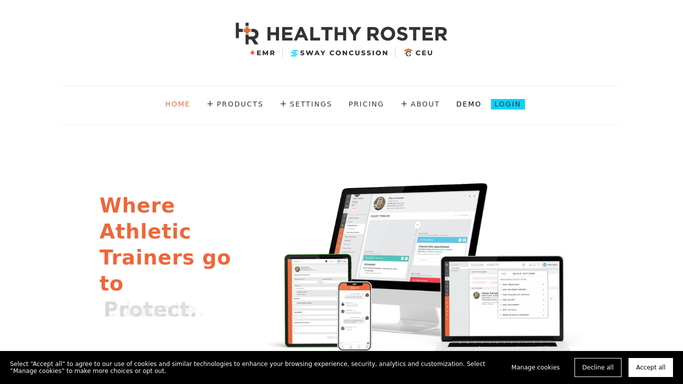
Healthy Roster - find prior authorizations expiring within 30 days
healthyroster.com How to Automate Healthy Roster

WebRun opens Healthy Roster to find prior authorizations expiring within 30 days. - Open Healthy Roster and navigate to the prior authorization or insurance section
- Filter for active authorizations with an expiry date within the next 30 days
- Capture the athlete name, sport, authorization number, insurer, expiry date, and treatment type for each
Done when Every active prior authorization expiring within 30 days is listed with its details.
-
2
Google Sheets - log the prior-auth renewal worklist
google.com How to Automate Google Sheets
WebRun opens Google Sheets to log the prior-auth renewal worklist. - Append each expiring authorization to the renewal tracking sheet with expiry date and days remaining
- Sort rows by days remaining so the most urgent renewals appear first
- Mark any authorization expiring within 7 days in a priority column for immediate action
Done when The prior-auth renewal sheet is sorted and current with all upcoming expirations.
-
3
Slack - post prior-auth expiry alert
slack.com How to Automate Slack
WebRun opens Slack to post prior-auth expiry alert. - Post a prior-auth expiry alert to the sports medicine Slack channel
- List each athlete and authorization with days remaining until expiry
- Flag in red any authorization expiring within 7 days for same-week renewal action
Done when The team has this week's prior-auth expiry alert in Slack.


How do I automatically track prior authorization expiry dates for sports medicine?
WebRun opens Healthy Roster every Monday, finds all active prior authorizations expiring within 30 days, and logs each one to a Google Sheet sorted by days remaining. It posts a Slack alert flagging any authorization expiring within 7 days for urgent renewal, so the sports medicine team never treats an athlete on a lapsed authorization.
- No prior authorization lapses without at least 30 days of advance notice
- Authorizations expiring within 7 days are flagged for same-week renewal action
- The Google Sheet worklist lets staff batch insurer calls by carrier for efficiency
Built for sports medicine billing coordinators · athletic trainers · sports medicine clinic administrators · college athletic department staff
How is each run configured?
Secure by default
Connect once, stays signed in
WebRun signs in once and keeps each session in a persistent environment, so every run picks up right where it left off.
Every action is checked against this policy before it runs.
Questions, answered
Will it contact the insurer to renew the authorization automatically?
No. WebRun surfaces the expiry list and alerts the team, but all insurer contact and renewal submission stays with your billing or administrative staff. No external communication is made automatically.
What if an authorization has already been renewed?
Once the renewal is updated in Healthy Roster, WebRun removes the old record from the expiry list on the next Monday run and replaces it with the new expiry date.
Can I track authorizations for multiple insurers at once?
Yes. WebRun captures the insurer name for each authorization and logs it to the Google Sheet, so you can filter the worklist by insurer to batch your renewal calls.
Related templates
Put this on autopilot.
Turn it on in minutes - or have our team set it up for you.