Spot athletes with care gaps and draft outreach for the trainer
Every Monday, WebRun opens Healthy Roster, finds athletes with an active injury record but no treatment or visit logged in the past 14 days, drafts a check-in message for the trainer to review and send via Mailchimp, and posts the care-gap list to Slack so the training room team can follow up.
- No credit card
- Under $0.01 per run
- Cancel anytime
What does WebRun do on every run?
The exact actions WebRun takes, in order - in plain language, so you can adjust anything.
-
WebRun signs in and gets to work
Opens
app.healthyroster.comin a real browser with your saved login - no setup, no API keys. -
1
Healthy Roster - find athletes with open injuries and no recent visit
healthyroster.com How to Automate Healthy Roster

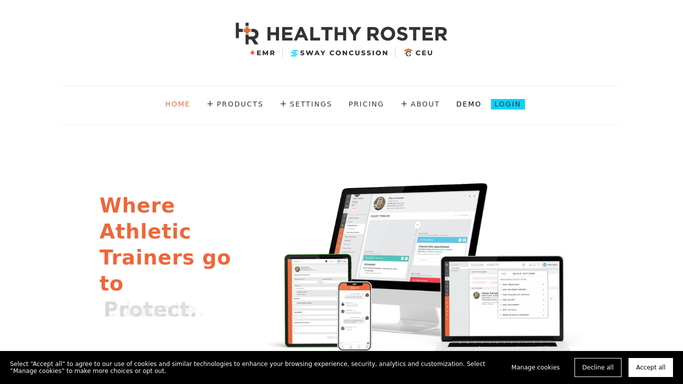
WebRun opens Healthy Roster to find athletes with open injuries and no recent visit. - Open Healthy Roster and filter athletes with an active or open injury record
- Cross-reference against visit and treatment logs to find those with no entry in the past 14 days
- Capture athlete name, sport, injury type, last visit date, and assigned provider
Done when Every athlete with a care gap is listed with their injury and last contact details.
-
2
Slack - post care-gap list to training room
slack.com How to Automate Slack
WebRun opens Slack to post care-gap list to training room. - Post the care-gap list to the training room Slack channel
- Group athletes by sport and sort by days since last visit, oldest first
- Note that check-in drafts are queued in Mailchimp for trainer review before any message goes out
Done when The training room team has the weekly care-gap list in Slack.
-
3
Mailchimp - queue check-in drafts for trainer review
mailchimp.com How to Automate Mailchimp
WebRun opens Mailchimp to queue check-in drafts for trainer review. - Draft a brief, caring check-in email for each athlete on the care-gap list
- Save every draft for the athletic trainer to review and approve before sending
- Do not send any email without explicit trainer approval: athlete health information must stay protected
Done when Each care-gap athlete has a draft check-in email queued for trainer approval.


How do I find and follow up with athletes who have open injuries but no recent visit?
WebRun scans Healthy Roster every Monday for athletes with open injury records but no visit in the past 14 days. It posts a care-gap list to Slack grouped by sport and days since last contact, and drafts a check-in email for each athlete in Mailchimp for the trainer to review before anything is sent, so no injured athlete goes silently unmonitored.
- No injured athlete goes more than 14 days without a documented check-in
- Trainers spend seconds approving ready drafts rather than writing each check-in message
- The Slack list lets the whole training room team see care gaps at a glance every Monday
Built for athletic trainers · sports medicine teams · college athletic departments · high school and industrial athletic programs
How is each run configured?
Secure by default
Connect once, stays signed in
WebRun signs in once and keeps each session in a persistent environment, so every run picks up right where it left off.
Every action is checked against this policy before it runs.
Questions, answered
Will it send check-in emails to athletes on its own?
No. Every check-in email is drafted and held in Mailchimp for the athletic trainer to review and send. No email with athlete health information goes out without the trainer's explicit approval.
What counts as a care gap?
An athlete has a care gap when they have an active injury record in Healthy Roster but no treatment, visit, or check-in logged in the past 14 days. You can ask WebRun to adjust this window to fit your program's protocols.
What if an athlete has been cleared and no longer needs follow-up?
Athletes whose injuries are marked as resolved or cleared in Healthy Roster are excluded automatically. Only active, open records are included in the care-gap scan.
Related templates
Put this on autopilot.
Turn it on in minutes - or have our team set it up for you.