Catch low-stock items before you sell out
Every morning, WebRun opens RICS Software, identifies items at or below their reorder point across all categories and sizes, groups the results by supplier, and appends them to a Google Sheet your buyers review each day.
- No credit card
- Under $0.01 per run
- Cancel anytime
What does WebRun do on every run?
The exact actions WebRun takes, in order - in plain language, so you can adjust anything.
-
WebRun signs in and gets to work
Opens
www.ricssoftware.comin a real browser with your saved login - no setup, no API keys. -
1
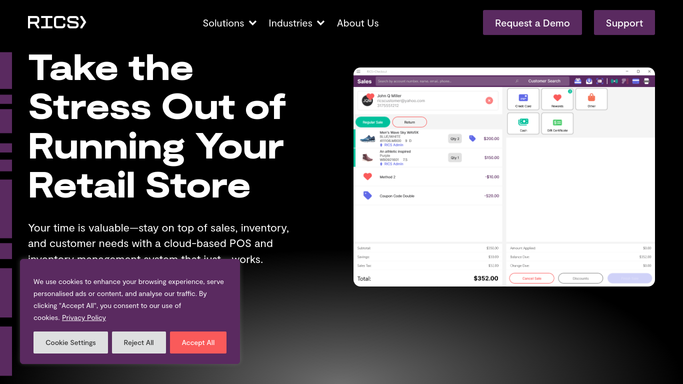
RICS Software - identify items at or below reorder point
ricssoftware.com How to Automate RICS Software

WebRun opens RICS Software to identify items at or below reorder point. - Open RICS Software and navigate to Inventory reports
- Filter for items where on-hand quantity is at or below the reorder threshold
- Capture SKU, description, size, color, current quantity, reorder point, and preferred supplier for each item
- Sort results by supplier so purchase orders can be grouped efficiently
Done when All low-stock SKUs with supplier and quantity details are captured and grouped.
-
2
Google Sheets - append the reorder worklist for buyer review
google.com How to Automate Google Sheets
WebRun opens Google Sheets to append the reorder worklist for buyer review. - Open the designated reorder tracking Google Sheet
- Append today's low-stock items with a timestamp, SKU details, and supplier columns
- Highlight any items with zero on-hand quantity in red for immediate attention
Done when Today's reorder worklist is appended to the Google Sheet and ready for buyer review.

How do I get automatic low-stock alerts from RICS Software?
WebRun scans RICS Software every morning for SKUs at or below their reorder threshold, groups the results by supplier, and appends the list to a Google Sheet your buyers check daily. Out-of-stock items are highlighted in red so urgent gaps are visible at a glance before they cost you a sale.
- Zero-stock surprises caught before they cost a sale
- Buyers start each day with a supplier-grouped reorder list
- Size-level gaps in footwear and apparel flagged automatically
Built for sporting goods buyers · footwear retailers · inventory managers · run specialty shops · multi-location retail
How is each run configured?
Secure by default
Connect once, stays signed in
WebRun signs in once and keeps each session in a persistent environment, so every run picks up right where it left off.
Every action is checked against this policy before it runs.
Questions, answered
Does it place purchase orders automatically?
No. WebRun builds the reorder worklist and flags urgent items, but your buyer reviews and approves each purchase order. Nothing is ordered without human sign-off.
How does it know my reorder thresholds?
It reads the reorder points you have already set for each SKU inside RICS Software, so there is nothing extra to configure in WebRun.
Can it handle size-level tracking for footwear?
Yes. RICS Software tracks inventory at the size and color level, and WebRun captures that granularity so you can see exactly which sizes are running low.
Related templates
Put this on autopilot.
Turn it on in minutes - or have our team set it up for you.