Automated Shein Return Reason Digest
Every Monday, WebRun signs in to your Shein seller account, reads the returns and refunds recorded in the last week, groups them by product and by the reason the customer gave, writes the counts into Notion, and drafts a Gmail note listing the products worth fixing first.
How do I find out why customers are returning my marketplace orders?
WebRun signs in to your Shein seller account every Monday and reads the returns recorded in the past week, grouping them by product and by the reason the customer gave. It writes the counts into Notion beside previous weeks and drafts a Gmail fix list ranked by refund value, so a listing problem is fixed sooner.
- Return reasons are counted by product instead of read one by one
- The costliest return driver is named first, by refund value
- A rising reason is visible against previous weeks
Built for marketplace sellers · ecommerce ops leads · fashion brands · merchandising teams
What does WebRun do on every run?
The exact actions WebRun takes, in order - in plain language, so you can adjust anything.
-
WebRun signs in and gets to work
Opens
shein.comin a real browser with your saved login - no setup, no API keys. -
1
Shein - read last week's returns
shein.com
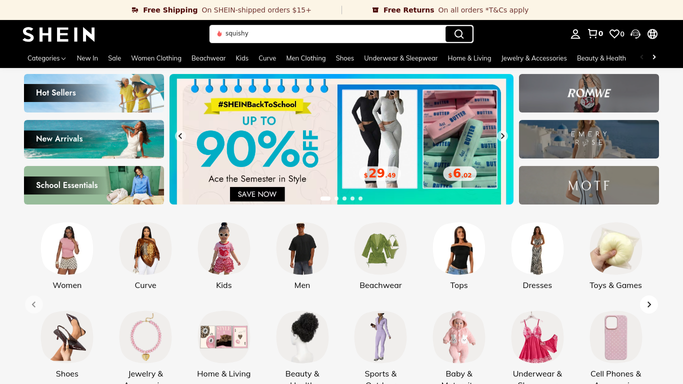
WebRun opens Shein to read last week's returns. - Sign in to your Shein seller account and open the returns and refunds records
- List every return recorded in the last seven days
- Capture the product, the order date, the return date, and the reason the customer gave
- Note the refund amount so the cost of each reason can be totalled
Done when Every return from the last seven days is recorded with its product and reason.
-
2
Notion - log the reason counts
notion.so

WebRun opens Notion to log the reason counts. - Write this week's returns into your returns database in Notion
- Group them by product, then by reason, and count each combination
- Add the refund value per group so the expensive problems stand out
- Keep previous weeks so a rising reason is visible against its own history
Done when Notion holds this week's return counts by product and reason, next to previous weeks.
-
3
Gmail - draft the fix list
gmail.com

WebRun opens Gmail to draft the fix list. - Draft an email listing the products with the most returns and the reason behind each
- Suggest the listing change the reason points at, such as a sizing note or a clearer photo
- Rank by refund value so the costliest problem is first
- Leave the email in Drafts for you to review before it goes to the team
Done when A ranked fix list is drafted in Gmail for the ops team.
How is each run configured?
Secure by default
Connect once, stays signed in
WebRun signs in once and keeps each session in a persistent environment, so every run picks up right where it left off.
Every action is checked against this policy before it runs.
Questions, answered
Will it change my listings or message buyers?
No. WebRun reads return records and reports the pattern. It never edits a listing, approves a refund, or messages a customer, and the fix list waits unsent in Gmail Drafts for you.
How does it group reasons that are worded differently?
By meaning. Sizing complaints written several ways are counted as one reason, so a product with fifteen scattered phrasings shows as fifteen sizing returns rather than fifteen one-off notes.
Can it show whether a problem is getting worse?
Yes. Each week is written into Notion alongside earlier weeks, so a reason climbing on the same product is visible against its own history rather than judged from one week alone.
Related templates
Put this on autopilot.
Turn it on in minutes - or have our team set it up for you.