Never miss a regulatory filing deadline at your scrap yard
Every Monday, WebRun opens the regulatory deadline Google Sheet, reads all upcoming filing requirements, cross-checks ScrapRight's compliance report schedule, and sends a prioritised deadline alert via Twilio SMS to the compliance manager.
- No credit card
- Under $0.01 per run
- Cancel anytime
What does WebRun do on every run?
The exact actions WebRun takes, in order - in plain language, so you can adjust anything.
-
WebRun signs in and gets to work
Opens
sheets.google.comin a real browser with your saved login - no setup, no API keys. -
1
Google Sheets - read upcoming regulatory deadlines
google.com How to Automate Google Sheets

WebRun opens Google Sheets to read upcoming regulatory deadlines. - Open the regulatory deadline tracking Sheet
- Find all filing deadlines due within the next 30 days
- Flag deadlines within 7 days as urgent and those within 8 to 30 days as upcoming
Done when All upcoming deadlines are identified with urgency tiers and filing type.
-
2
ScrapRight - check compliance report schedule
scrapright.com How to Automate ScrapRight
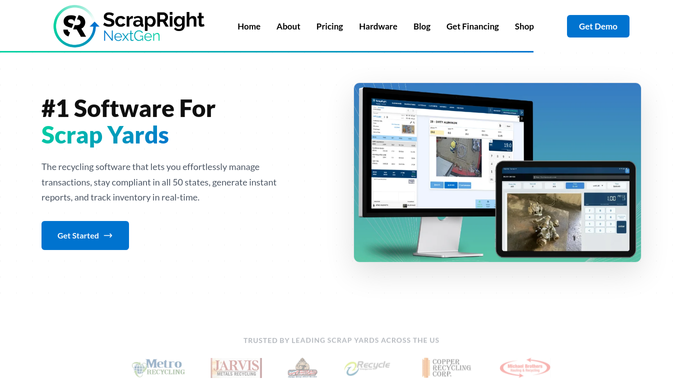
WebRun opens ScrapRight to check compliance report schedule. - Open ScrapRight and check whether the Compliance Engine has any scheduled auto-uploads due this week
- Note the upload status for each jurisdiction in the account
- Flag any jurisdiction where the auto-upload is due but has not yet run
Done when ScrapRight's compliance upload schedule is checked and any pending uploads are noted.
-
3
Twilio - send prioritised deadline SMS alert
twilio.com How to Automate Twilio
WebRun opens Twilio to send prioritised deadline SMS alert. - Send an SMS to the compliance manager's mobile number via Twilio
- List urgent deadlines first with the deadline name, jurisdiction, and date
- List upcoming deadlines and note any ScrapRight compliance uploads that are pending
Done when The compliance manager has received the weekly deadline SMS alert.


How do I automatically track and get alerts for scrap yard regulatory deadlines?
Every Monday WebRun reads upcoming regulatory filing deadlines from a Google Sheet, checks ScrapRight's compliance upload schedule, and sends a prioritised SMS via Twilio to the compliance manager. Urgent deadlines within 7 days are listed first, and any pending ScrapRight compliance uploads are flagged. No reports are filed automatically.
- Compliance managers receive a prioritised deadline SMS every Monday morning
- Deadlines within 7 days are flagged as urgent so nothing is left to the last minute
- Pending ScrapRight compliance uploads are surfaced alongside calendar deadlines
Built for scrap yard compliance managers · yard owners · metal recycler regulatory teams · multi-jurisdiction scrap operations
How is each run configured?
Secure by default
Connect once, stays signed in
WebRun signs in once and keeps each session in a persistent environment, so every run picks up right where it left off.
Every action is checked against this policy before it runs.
Questions, answered
Does it file reports with regulators automatically?
No. WebRun only alerts the compliance manager about upcoming deadlines. Any report filing is performed manually or through ScrapRight's own Compliance Engine. Nothing is filed automatically.
Which jurisdictions does it cover?
It covers whatever deadlines you log in the Google Sheet, plus whatever jurisdictions are configured in your ScrapRight compliance settings. It does not add or remove jurisdictions on its own.
Can it alert multiple people?
Yes. You can configure additional mobile numbers in the Twilio step so that the deadline alert reaches both the compliance manager and the yard owner simultaneously.
Related templates
Put this on autopilot.
Turn it on in minutes - or have our team set it up for you.