Handle return requests and draft your response
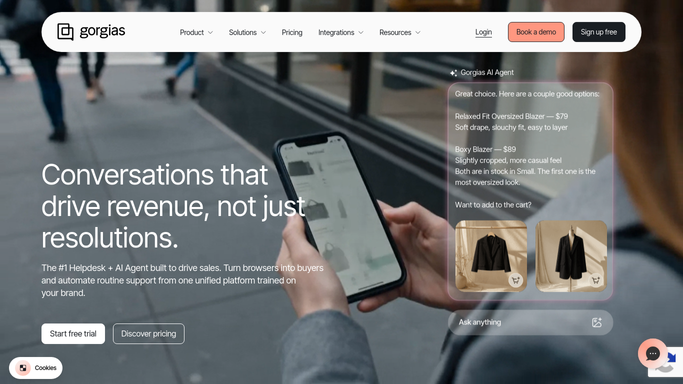
When a return request arrives in Gorgias, WebRun opens the ticket, looks up the original order in Shopify to check eligibility (within return window, not a final-sale item), drafts an appropriate response, and posts it to Slack for your approval before any reply is sent to the customer.
- No credit card
- Under $0.01 per run
- Cancel anytime
 Shopify
look up the order and check return eligibility
Shopify
look up the order and check return eligibility
What does WebRun do on every run?
The exact actions WebRun takes, in order - in plain language, so you can adjust anything.
-
WebRun signs in and gets to work
Opens
app.gorgias.comin a real browser with your saved login - no setup, no API keys. -
1
Gorgias - read the incoming return request ticket
gorgias.com

WebRun opens Gorgias to read the incoming return request ticket. - Open the new ticket in Gorgias tagged 'Return request'
- Extract the customer name, email, order number, and reason for return
- Flag any ticket already assigned to a human agent and skip it
Done when The return request details are captured and the ticket is identified as unassigned.
-
2
Shopify - look up the order and check return eligibility
WebRun opens Shopify to look up the order and check return eligibility. - Search Shopify Admin > Orders for the order number
- Check the order date against your return window policy (e.g. 30 days)
- Check whether any items are tagged 'Final Sale' or 'Non-returnable'
- Note the order value, payment method, and fulfillment status
Done when Eligibility is determined: in-window, out-of-window, or partial (some items eligible).
-
3
Slack - post the drafted response for your approval
slack.com How to Automate Slack
WebRun opens Slack to post the drafted response for your approval. - Post a return summary to #support: customer name, order, return reason, and eligibility verdict
- Include a drafted Gorgias reply with next steps (e.g. send return label, offer exchange, or explain ineligibility)
- Do not post the reply in Gorgias until you approve - mark it 'Pending approval'
Done when You have the eligibility summary and draft reply in Slack, awaiting your decision.

How can I automatically handle return requests and draft responses using Gorgias and Shopify?
When a return request arrives in Gorgias, WebRun opens the ticket, looks up the original order in Shopify to check eligibility - within return window, not a final-sale item - drafts an appropriate response, and posts it to Slack for your approval before any reply is sent to the customer.
- Every return request gets an eligibility check and draft response immediately
- No ineligible returns promised - Shopify data checked before any reply
- Human approval required before any commitment is made to the customer
Built for Shopify ecommerce brands · customer service teams · DTC retailers · ecommerce operations managers
How is each run configured?
Secure by default
Connect once, stays signed in
WebRun signs in once and keeps each session in a persistent environment, so every run picks up right where it left off.
Shopify
Sign in once
Every action is checked against this policy before it runs.
Questions, answered
Will it promise a refund or issue a return label automatically?
No - it only drafts the response and posts it for your approval. No refund is initiated, no label is issued, and no reply is sent to the customer until you say so.
What if the order number is missing from the ticket?
It searches by customer email instead. If it still can't find the order, the draft reply asks the customer for their order number and flags the ticket for manual follow-up.
Can it handle exchanges as well as returns?
Yes - tell WebRun your exchange policy and it will include an exchange option in the draft when the return is eligible, so you can offer it as an alternative.
Related templates
Shopify›Shopify›Shopify›Put this on autopilot.
Turn it on in minutes - or have our team set it up for you.