Get a daily digest of your Reed applicants
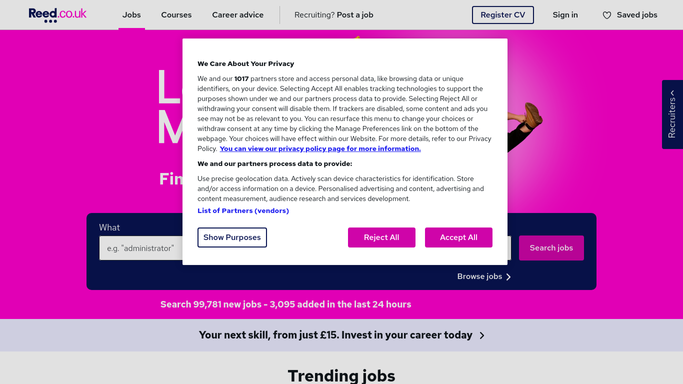
Every morning, WebRun opens Reed.co.uk, finds every application received since yesterday, saves each CV to a dated Google Drive folder, and posts a short Slack summary listing who applied and to which role.
- No credit card
- Under $0.01 per run
- Cancel anytime
What does WebRun do on every run?
The exact actions WebRun takes, in order - in plain language, so you can adjust anything.
-
WebRun signs in and gets to work
Opens
www.reed.co.ukin a real browser with your saved login - no setup, no API keys. -
1
Reed - find new applications
reed.co.uk

WebRun opens Reed to find new applications. - Open Reed.co.uk and check each live vacancy for new applications
- Capture the candidate's name, role, and CV for each
- Note applications received since the last run
Done when Every application received since yesterday has been captured.
-
2
Google Drive - save every CV
drive.google.com How to Automate Google Drive
WebRun saves to Google Drive every CV. - Save each candidate's CV to a dated folder for that vacancy
- Name each file with the candidate's name and role
Done when Every new CV is saved and organized in Google Drive.
-
3
Slack - post the daily summary
slack.com How to Automate Slack
WebRun posts in Slack the daily summary. - Post a summary listing each applicant and the role they applied for
- Link each entry to its saved CV in Google Drive
Done when Your hiring channel has today's application summary.


How do I get a daily summary of new Reed applicants?
WebRun checks Reed.co.uk every morning for applications received since the day before. It saves each candidate's CV to an organized Google Drive folder and posts a Slack summary naming every applicant and their role, so your hiring team starts the day with a complete, organized view of new candidates without opening Reed directly.
- Every CV is saved and organized before your team logs in
- Slack shows who applied without opening Reed
- No overnight application goes unnoticed
Built for UK hiring managers · HR teams · recruiting agencies · small business owners
How is each run configured?
Secure by default
Connect once, stays signed in
WebRun signs in once and keeps each session in a persistent environment, so every run picks up right where it left off.
Every action is checked against this policy before it runs.
Questions, answered
Will it reply to candidates on Reed?
No. WebRun only reads and organizes applications. Any response to a candidate is still written and sent by your team from Reed.
Where do I find a candidate's CV afterward?
Every CV is saved to a dated Google Drive folder for its vacancy, and the Slack summary links straight to it.
What if nobody applied overnight?
The Slack summary simply notes there were no new applications, so you always know the digest ran even on a quiet day.
Related templates
Put this on autopilot.
Turn it on in minutes - or have our team set it up for you.