Remind your staff about upcoming shifts
Every night, WebRun reads tomorrow's shift schedule in Poster, writes each shift to Google Calendar, and sends every scheduled staff member a Telegram reminder of their start time.
- No credit card
- Under $0.01 per run
- Cancel anytime
What does WebRun do on every run?
The exact actions WebRun takes, in order - in plain language, so you can adjust anything.
-
WebRun signs in and gets to work
Opens
joinposter.comin a real browser with your saved login - no setup, no API keys. -
1
Poster - read tomorrow's shift schedule
joinposter.com How to Automate Poster

WebRun opens Poster to read tomorrow's shift schedule. - Open Poster's Staff schedule for tomorrow
- Read each employee's shift start time and role
- Note any shift added or changed since the last run
Done when Tomorrow's full shift schedule has been read from Poster.
-
2
Google Calendar - add each shift to the calendar
calendar.google.com How to Automate Google Calendar
WebRun opens Google Calendar to add each shift to the calendar. - Open the shared staff calendar
- Add or update an event for each shift with the employee and start time
- Remove any event for a shift that was canceled
Done when Tomorrow's shifts are reflected on the shared calendar.
-
3
Telegram - remind each staff member
telegram.org How to Automate Telegram
WebRun opens Telegram to remind each staff member. - Message each scheduled employee their shift date and start time
- Only message staff who have a shift tomorrow
- Keep the reminder short and specific to that person's shift
Done when Every scheduled staff member has received their reminder for tomorrow.
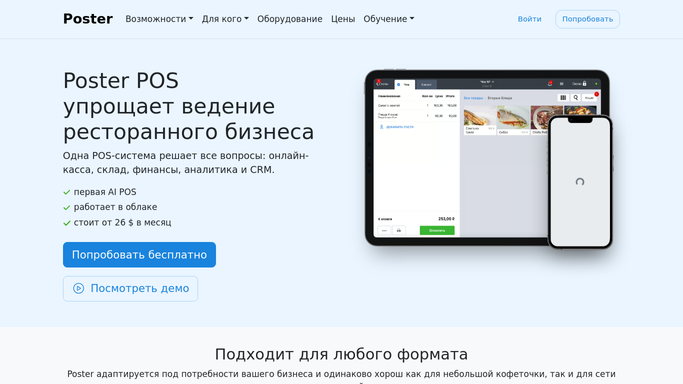


How do I remind staff about upcoming Poster shifts automatically?
Every night, WebRun reads tomorrow's shift schedule from Poster, adds each shift to Google Calendar, and sends every scheduled staff member a Telegram reminder of their start time. It only messages staff about their own shifts, so nobody shows up confused or misses a start time again.
- Every scheduled staff member gets their own reminder, not a group memo
- Shift changes are reflected before the next reminder goes out
- No shift is missed for lack of a heads up
Built for cafe managers · shift supervisors · bar managers · hospitality HR
How is each run configured?
Secure by default
Connect once, stays signed in
WebRun signs in once and keeps each session in a persistent environment, so every run picks up right where it left off.
Every action is checked against this policy before it runs.
Questions, answered
Does it message customers, or only staff?
Only staff. WebRun reminds each scheduled employee about their own upcoming shift in Telegram. It never contacts a customer or guest.
What if a shift changes after the reminder goes out?
The next scheduled run reads the latest shift data in Poster, so a swapped or canceled shift is reflected before the following reminder.
Can staff reply if they can't make a shift?
They can reply in Telegram like normal, but WebRun only sends the reminder itself. It doesn't manage shift swaps or approve time off.
Related templates
Put this on autopilot.
Turn it on in minutes - or have our team set it up for you.