Follow up with tour prospects fast
Every morning, WebRun opens Hemlane, finds prospects who toured a unit in the last few days but have not yet applied, drafts a warm, personalized follow-up email to each in Gmail with the unit details and a link to apply, leaves it unsent for your review, and posts your leasing team a Slack list of prospects to nudge.
- No credit card
- Under $0.01 per run
- Cancel anytime
What does WebRun do on every run?
The exact actions WebRun takes, in order - in plain language, so you can adjust anything.
-
WebRun signs in and gets to work
Opens
www.hemlane.comin a real browser with your saved login - no setup, no API keys. -
1
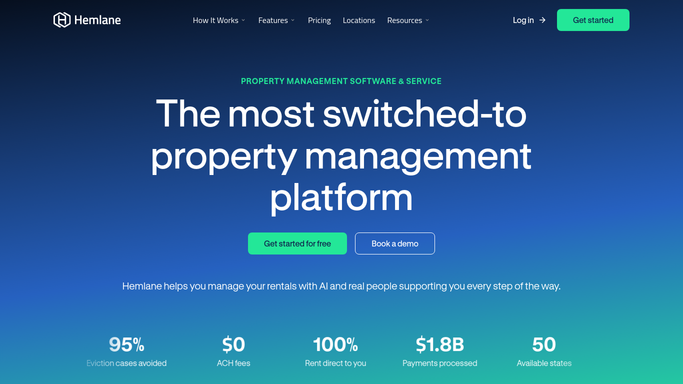
Hemlane - find prospects who toured
hemlane.com

WebRun opens Hemlane to find prospects who toured. - Open the applicant tracking in Hemlane and read recent tour activity
- Find prospects who toured a unit but have not started an application
- Capture the prospect, the unit toured, and the tour date
Done when Every recent tour prospect without an application is captured.
-
2
Gmail - draft tour follow-ups
gmail.com How to Automate Gmail
WebRun drafts a tour follow-up for each prospect. - Draft a warm follow-up email to each prospect referencing the unit they toured
- Include the rent, availability, and a clear link to apply
- Leave every email as a draft for you to review. Never send to a prospect automatically
Done when A follow-up draft is ready for each tour prospect.
-
3
Slack - post who to nudge
slack.com How to Automate Slack
WebRun posts the tour follow-up nudge list to Slack. - Post a list of prospects who toured but have not applied yet
- Show the unit and tour date, and flag any unit at risk of sitting vacant
- Leave it for your leasing team to review each draft and send it
Done when Your leasing team sees who to nudge in Slack.


How do I follow up with rental tour prospects automatically?
Every morning, WebRun opens Hemlane and finds prospects who toured a unit recently but have not applied, then drafts a warm follow-up email to each in Gmail with the unit details and a link to apply. It leaves every email unsent for your review and posts your leasing team a Slack list of who to nudge, so warm prospects convert before they rent elsewhere.
- Warm prospects get a follow-up within a day of touring
- Units at risk of sitting vacant are flagged for a nudge
- Every follow-up is reviewed before it reaches a prospect
Built for leasing teams · property managers · landlords · residential property teams
How is each run configured?
Secure by default
Connect once, stays signed in
WebRun signs in once and keeps each session in a persistent environment, so every run picks up right where it left off.
Every action is checked against this policy before it runs.
Questions, answered
Will it email prospects on its own?
No. WebRun drafts each follow-up in Gmail and leaves it unsent. Your leasing team reviews and sends it, so no prospect is contacted with a message you have not approved.
How does it know who toured but did not apply?
It reads the applicant tracking in Hemlane, which shows who inquired, who toured, and who applied. It lists prospects with a recent tour and no application started, so you nudge exactly the right people.
What does the follow-up say?
A warm, personalized note referencing the specific unit they toured, with the rent, availability, and a link to apply. Give WebRun a tone or an example and it will match your leasing voice.
Related templates
Put this on autopilot.
Turn it on in minutes - or have our team set it up for you.