Keep OTTO Market inventory in sync
Every morning, WebRun opens the OTTO Market seller panel, captures new orders and current stock counts per SKU, syncs the numbers into an Airtable base, and adds a Notion follow-up task for any SKU where the Airtable record and OTTO Market disagree.
- No credit card
- Under $0.01 per run
- Cancel anytime
What does WebRun do on every run?
The exact actions WebRun takes, in order - in plain language, so you can adjust anything.
-
WebRun signs in and gets to work
Opens
otto.dein a real browser with your saved login - no setup, no API keys. -
1
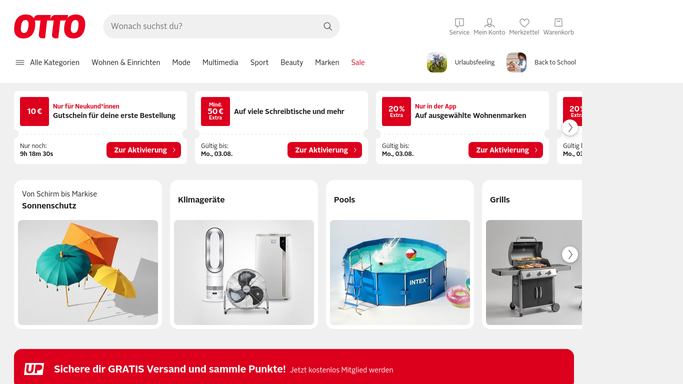
Otto - check OTTO Market orders and stock
otto.de

WebRun opens Otto to check OTTO Market orders and stock. - Open the OTTO Market seller panel and go to Orders and Inventory
- Capture new orders and current stock counts per SKU
- Flag any SKU where the panel's stock count looks out of date
Done when New orders and every SKU's current stock count are captured.
-
2
Airtable - sync the order and stock record
airtable.com How to Automate Airtable
WebRun opens Airtable to sync the order and stock record. - Open the OTTO Market base in Airtable
- Update each SKU's stock count and add a row for each new order
- Flag any SKU where the Airtable count and the OTTO Market count disagree
Done when The Airtable base matches OTTO Market's current orders and stock counts.
-
3
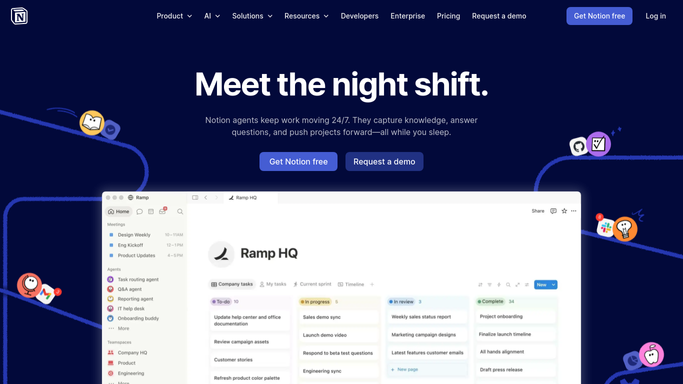
Notion - log a follow-up for mismatches
notion.so How to Automate Notion
WebRun opens Notion to log a follow-up for mismatches. - Add a Notion task for any SKU with a stock count mismatch
- Include both figures and the SKU
- Skip adding a task on a day with no mismatches
Done when Every stock mismatch has a follow-up task in Notion.

How do I keep my OTTO Market inventory synced and accurate?
WebRun checks the OTTO Market seller panel every morning for new orders and current SKU stock counts, syncs the numbers into an Airtable base, and adds a Notion task for any SKU where the two records disagree. This keeps a merchant's inventory record accurate without a manual daily comparison.
- Stock mismatches get caught the same morning they appear
- Airtable holds an always-current order and stock record
- No manual daily comparison between panel and spreadsheet
Built for OTTO Market sellers · German ecommerce merchants · marketplace inventory managers · multichannel sellers
How is each run configured?
Secure by default
Connect once, stays signed in
WebRun signs in once and keeps each session in a persistent environment, so every run picks up right where it left off.
Every action is checked against this policy before it runs.
Questions, answered
Will it correct the stock count in OTTO Market automatically?
No. WebRun only compares the numbers and flags a mismatch. Correcting the stock count on OTTO Market is left for the seller to do.
What causes a stock count mismatch?
It usually means a sale, return, or manual adjustment happened on one side that has not yet been reflected on the other, which is exactly what the daily sync is meant to catch.
Does it track order fulfillment status too?
It logs new orders into Airtable as they appear, but marking an order shipped or fulfilled stays a manual step in the OTTO Market seller panel.
Related templates
Put this on autopilot.
Turn it on in minutes - or have our team set it up for you.