Start every day with a clear notary assignment digest
Every morning, WebRun opens NotaryDash, compiles all signing assignments for today, cross-references your notary roster in Google Sheets, and posts a clean daily digest to your Slack ops channel so every coordinator starts the day fully briefed.
- No credit card
- Under $0.01 per run
- Cancel anytime
What does WebRun do on every run?
The exact actions WebRun takes, in order - in plain language, so you can adjust anything.
-
WebRun signs in and gets to work
Opens
notarydash.comin a real browser with your saved login - no setup, no API keys. -
1
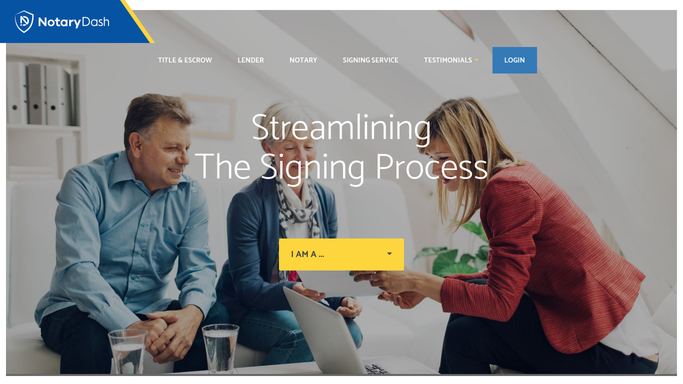
NotaryDash - pull today's assignments
notarydash.com How to Automate NotaryDash

WebRun opens NotaryDash to pull today's assignments. - Open NotaryDash and navigate to today's order calendar
- List all confirmed assignments for today with the order ID, signing time, location, loan type, and assigned notary
- Flag any confirmed orders that are not yet assigned to a notary
Done when All of today's confirmed assignments are compiled with full details.
-
2
Google Sheets - cross-reference notary roster
google.com How to Automate Google Sheets
WebRun opens Google Sheets to cross-reference notary roster. - Open the notary roster sheet and look up the contact number for each assigned notary
- Note any notaries with multiple signings today and flag potential schedule conflicts
- Record today's assignment count for weekly volume tracking
Done when Each assignment is matched to its notary contact and any conflicts are flagged.
-
3
Slack - post daily assignment digest
slack.com How to Automate Slack
WebRun opens Slack to post daily assignment digest. - Post the daily digest to your ops Slack channel, grouped by time slot
- List each signing with the notary name, time, location, and loan type
- Highlight unassigned orders and schedule conflicts at the top of the message
Done when Your team has today's full assignment digest in Slack before the first signing.


How do I get a daily summary of notary signing assignments in Slack?
WebRun opens NotaryDash every morning, compiles all of today's signing assignments with notary names, times, and locations, cross-references your roster in Google Sheets for contact details, and posts a clean grouped digest to your Slack ops channel. Unassigned orders and schedule conflicts are flagged at the top so your coordinators can act immediately.
- Your entire team knows the day's assignments before the first signing starts
- Unassigned orders and scheduling gaps are caught first thing every morning
- Coordinators spend less time in NotaryDash and more time solving real problems
Built for notary signing agencies · signing service coordinators · loan signing operations teams · notary agency managers
How is each run configured?
Secure by default
Connect once, stays signed in
WebRun signs in once and keeps each session in a persistent environment, so every run picks up right where it left off.
Every action is checked against this policy before it runs.
Questions, answered
Does it notify individual notaries about their assignments?
No. The digest is an internal ops summary posted to Slack only. It does not contact notaries directly. Use the signing confirmation workflow to reach notaries about their assignments.
What if an assignment is added to NotaryDash after the morning run?
The digest reflects the state of NotaryDash at the time it runs. For last-minute orders, your coordinator can see them in NotaryDash directly and route them via the intake workflow.
Can it be sent to multiple Slack channels?
Each run posts to the channel you configure at setup. If you need separate channels for different teams, set up a second instance of the workflow for the additional channel.
Related templates
Put this on autopilot.
Turn it on in minutes - or have our team set it up for you.