Capture every booking request without missing one
Every few minutes, WebRun checks Booksy for new booking requests and walk-in entries, logs each one with the client name, service, and time into Google Sheets, and posts an instant alert to the front-desk Slack channel so nothing slips through.
- No credit card
- Under $0.01 per run
- Cancel anytime
What does WebRun do on every run?
The exact actions WebRun takes, in order - in plain language, so you can adjust anything.
-
WebRun signs in and gets to work
Opens
booksy.comin a real browser with your saved login - no setup, no API keys. -
1
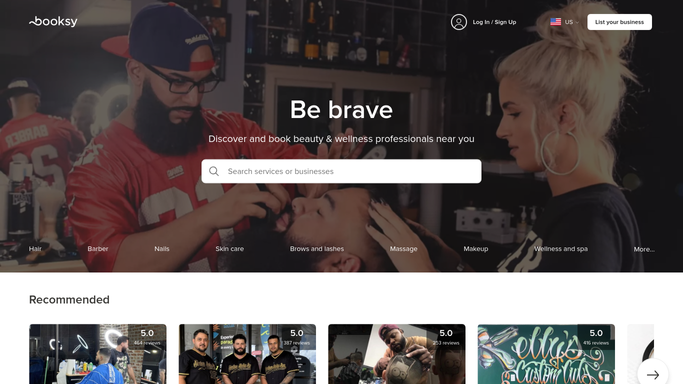
Booksy - detect new booking requests
booksy.com How to Automate Booksy

WebRun opens Booksy to detect new booking requests. - Open Booksy and check the appointments queue for new or pending bookings
- Capture client name, requested service, preferred date and time, and booking status
- Also capture any walk-in entries added directly at the desk
Done when Every new booking request and walk-in entry since the last run has been captured.
-
2
Google Sheets - log client, service, and time
google.com How to Automate Google Sheets
WebRun opens Google Sheets to log client, service, and time. - Open the salon booking log in Google Sheets
- Append a new row for each booking with client name, service, time, status, and source
- Mark the row as pending or confirmed based on the Booksy status
Done when Every new request is logged as a row in the booking sheet.
-
3
Slack - alert the front desk instantly
slack.com How to Automate Slack
WebRun opens Slack to alert the front desk instantly. - Post a brief alert to the front-desk Slack channel for each new booking
- Include the client name, service requested, and appointment time
- Flag walk-in entries separately so staff know to check availability
Done when The front desk has a Slack alert for every new booking and walk-in.


How can I automatically log and track every nail salon booking request?
WebRun monitors Booksy every few minutes for new booking requests and walk-in entries, logging each one with the client name, service, and time into Google Sheets and posting an instant alert to your front-desk Slack channel, so no request is missed and the team always knows what is coming in.
- Every booking and walk-in is logged the moment it arrives, with no manual entry
- Front-desk staff get a Slack alert within minutes of each new request
- A single Google Sheets log gives the team a live view of the day's demand
Built for nail salon owners · salon front desk staff · nail technicians · beauty salon managers
How is each run configured?
Secure by default
Connect once, stays signed in
WebRun signs in once and keeps each session in a persistent environment, so every run picks up right where it left off.
Every action is checked against this policy before it runs.
Questions, answered
Will it confirm bookings with clients on its own?
No. WebRun logs and alerts internally only. Any confirmation message to the client stays in Booksy and is sent by your staff, keeping you in control of every client-facing communication.
Does it catch walk-ins as well as online bookings?
Yes. WebRun picks up both online booking requests and walk-in entries logged in Booksy, so the sheet and Slack alert reflect everything that comes through the door.
What if the same booking is updated after it is first logged?
Each run captures the current Booksy status, so if an appointment is rescheduled or cancelled, the next run adds an updated row and the Slack alert notes the change.
Related templates
Put this on autopilot.
Turn it on in minutes - or have our team set it up for you.