Follow up on meal plans before clients drift off track
Every Monday, WebRun opens Healthie, finds every active client whose meal plan has not been updated in 3 weeks, drafts a personalized follow up email in Gmail with suggested adjustments based on their logged intake, leaves it unsent for your review, and logs each draft to a sheet so the same client is never drafted twice in one week.
- No credit card
- Under $0.01 per run
- Cancel anytime
What does WebRun do on every run?
The exact actions WebRun takes, in order - in plain language, so you can adjust anything.
-
WebRun signs in and gets to work
Opens
app.gethealthie.comin a real browser with your saved login - no setup, no API keys. -
1
Healthie - find clients due for a meal plan refresh
gethealthie.com How to Automate Healthie

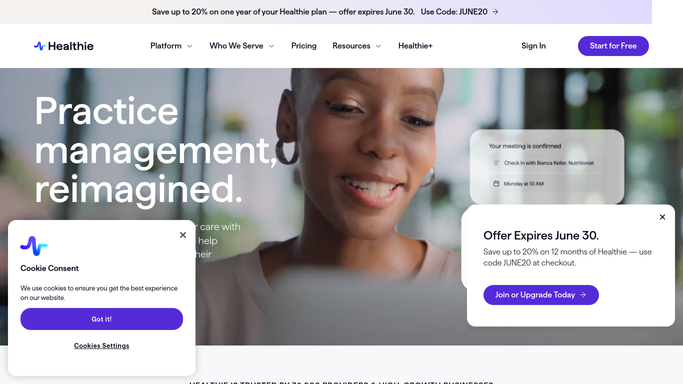
WebRun opens Healthie to find clients due for a meal plan refresh. - Open Healthie and list active clients by their last meal plan update date
- Filter to clients whose plan is 3 or more weeks old
- Pull each client's recent logged intake to note where adjustments may help
Done when Every client due for a meal plan refresh is listed with their last update date and recent intake notes.
-
2
Gmail - draft the follow up email
gmail.com How to Automate Gmail
WebRun opens Gmail to draft the follow up email. - Draft a personalized follow up email for each client referencing their recent logging
- Suggest 1 to 2 concrete adjustments based on their intake pattern
- Leave every draft unsent in Gmail for the RD to review, personalize, and send
Done when A follow up draft exists in Gmail for every client due for a refresh, none of them sent.
-
3
Google Sheets - log which drafts went out
google.com How to Automate Google Sheets
WebRun opens Google Sheets to log which drafts went out. - Open the Meal Plan Follow Up Log
- Add a row for each client drafted this week with the date and draft status
- Mark prior rows as sent once the RD confirms
Done when This week's drafted follow ups are logged so no client is drafted twice.


How do I follow up on meal plans before clients drift off track?
WebRun checks Healthie every Monday for clients whose meal plan has not been refreshed in 3 weeks, drafts a personalized follow up email in Gmail suggesting adjustments based on their recent logged intake, and leaves every draft unsent for your review. It also logs each draft to a sheet so no client is followed up with twice in the same week.
- Clients get a personalized check in before their plan goes 3 or more weeks stale
- The RD reviews a ready made draft instead of writing from scratch every week
- No client is ever followed up with twice thanks to the weekly log
Built for Registered dietitians · private practice RDs · weight management nutrition clinics · outpatient MNT clinics
How is each run configured?
Secure by default
Connect once, stays signed in
WebRun signs in once and keeps each session in a persistent environment, so every run picks up right where it left off.
Every action is checked against this policy before it runs.
Questions, answered
Will it email clients without me seeing it first?
No. Every follow up is left as an unsent draft in Gmail. WebRun never sends a meal plan email on its own; you review, personalize, and send it.
How does it decide what to suggest?
It reads each client's recently logged intake in Healthie and suggests 1 to 2 concrete adjustments based on that pattern, which you can edit before sending.
What if a client was already followed up with this week?
The log sheet is checked first, so a client already drafted or marked sent this week is skipped.
Related templates
Put this on autopilot.
Turn it on in minutes - or have our team set it up for you.