Kick off new client practice onboarding without missing a step
When a new client practice is added, WebRun opens CollaborateMD to start the practice profile setup, creates a structured onboarding checklist in Google Sheets with every required step from NPI verification to payer enrollment, and drafts a personalized welcome email to the practice administrator for your account manager to review and send.
- No credit card
- Under $0.01 per run
- Cancel anytime
What does WebRun do on every run?
The exact actions WebRun takes, in order - in plain language, so you can adjust anything.
-
WebRun signs in and gets to work
Opens
app.collaboratemd.comin a real browser with your saved login - no setup, no API keys. -
1
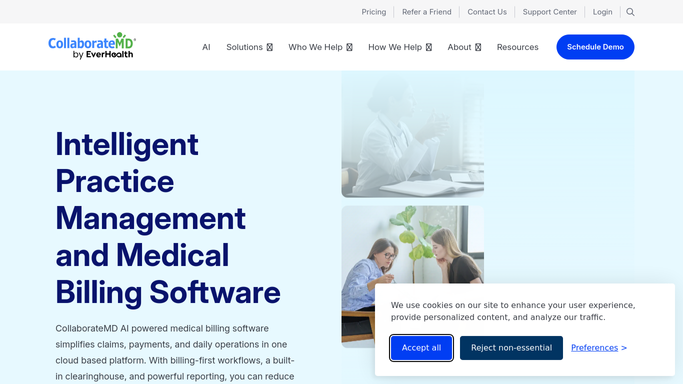
CollaborateMD - start practice profile setup
collaboratemd.com How to Automate CollaborateMD

WebRun opens CollaborateMD to start practice profile setup. - Open CollaborateMD and navigate to the practice setup section
- Enter the new practice name, NPI, Tax ID, billing address, and specialty from the intake form
- Create the practice profile and set up the provider roster with each provider's NPI and credentialing details
- Note which payer enrollments need to be submitted and which fee schedules need to be configured
Done when The new practice profile is created in CollaborateMD with basic information and the provider roster entered.
-
2
Google Sheets - create onboarding checklist
google.com How to Automate Google Sheets
WebRun opens Google Sheets to create onboarding checklist. - Create a new onboarding checklist tab for the practice in the client onboarding workbook
- Add all required onboarding steps: NPI verification, payer enrollment applications, fee schedule setup, ERA and EFT enrollment, patient balance settings, and practice preference configuration
- Assign a due date and owner for each step based on your standard onboarding timeline
- Mark the CollaborateMD profile setup steps as complete
Done when A complete onboarding checklist exists for the new practice with owners and due dates assigned to every step.
-
3
Gmail - draft welcome email for account manager review
gmail.com How to Automate Gmail
WebRun opens Gmail to draft welcome email for account manager review. - Draft a welcome email addressed to the practice administrator introducing your billing team and outlining the onboarding process and timeline
- Include the list of items you will need from the practice: provider W-9s, signed BAA, existing fee schedules, and payer credentialing information
- Save the draft without sending so the account manager can personalize and approve it before it goes to the client
- Do not send any client communication without account manager review and approval
Done when A Gmail draft welcome email is ready for the account manager to review and approve before sending to the practice.


How do I automate new client practice onboarding for a medical billing company?
When a new client practice is signed, WebRun opens CollaborateMD to create the practice profile and provider roster, builds a structured onboarding checklist in Google Sheets with every required step assigned to an owner and due date, and drafts a personalized welcome email. Your account manager reviews and approves the email before it reaches the client.
- Every new client practice gets a complete, consistent onboarding setup within hours of signing
- No onboarding step is missed with a structured checklist assigned to owners and due dates
- The welcome email is reviewed and personalized by the account manager before reaching the client
Built for medical billing companies · RCM account managers · billing company operations teams · outsourced medical billing
How is each run configured?
Secure by default
Connect once, stays signed in
WebRun signs in once and keeps each session in a persistent environment, so every run picks up right where it left off.
Every action is checked against this policy before it runs.
Questions, answered
Will it send the welcome email to the practice without my approval?
No. The welcome email is saved as a Gmail draft for the account manager to review, personalize, and approve before it reaches the client. No client communication is sent automatically.
How does it know what onboarding steps are required?
It uses your standard onboarding checklist template, which you configure once. Each new client gets a copy of the checklist with steps, owners, and a due date calculated from the practice's start date.
What information does it need to create the practice profile?
It needs the practice name, NPI, Tax ID, billing address, specialty, and provider roster details. You provide these in the intake form when you trigger the workflow, and WebRun enters them into CollaborateMD.
Related templates
Put this on autopilot.
Turn it on in minutes - or have our team set it up for you.