Keep track of which of your apps are still live and where
Every Monday, WebRun opens Lovable, walks your workspace projects, records which are published, the live address each one sits on, any custom domain, and whether a GitHub connection exists, sends the full table to Telegram, and texts you when a published project has no repository behind it.
- No credit card
- Under $0.01 per run
- Cancel anytime
How do I keep track of which of my apps are still published?
WebRun opens Lovable every Monday and walks your workspace projects, recording which are published, the live address each sits on, any custom domain, and whether GitHub is connected. It sends the table to Telegram and texts you when a live project has no repository behind it.
- Abandoned demos stop sitting published and forgotten
- Live projects without a code backup get flagged by text
- One table shows every project, address, and repository link
Built for indie builders · no-code developers · agency teams · product prototypers
What does WebRun do on every run?
The exact actions WebRun takes, in order - in plain language, so you can adjust anything.
-
WebRun signs in and gets to work
Opens
lovable.devin a real browser with your saved login - no setup, no API keys. -
1
Lovable - inventory every project
lovable.dev
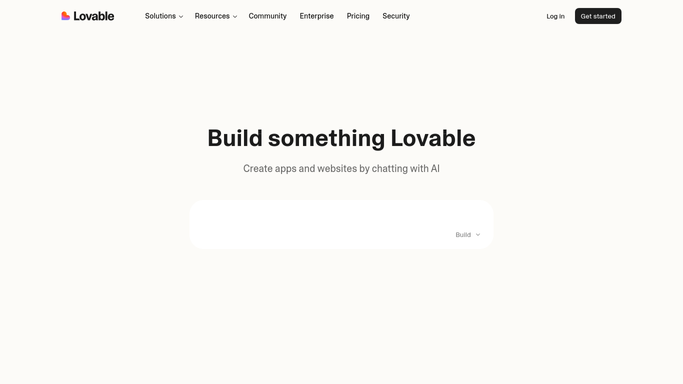
WebRun opens Lovable to inventory every project. - Open Lovable and list every project in your workspace
- For each project, record whether it is published and the live project address
- Note any custom domain attached and whether a GitHub connection is set up
- Record the last edit date so dormant demos stand out
- List which workspace members can see each project
Done when Every project is recorded with its publish status, address, and repository link.
-
2
Telegram - send the project table
telegram.org How to Automate Telegram

WebRun opens Telegram to send the project table. - Send the full project table to your Telegram channel
- Show one line per project: name, published or not, live address, custom domain, repository
- Put published projects with no recent edits at the top as likely abandoned demos
- Give the count of live projects at the end so the trend is easy to follow
Done when This week's project table is in Telegram.
-
3
Twilio - text about unbacked projects
twilio.com How to Automate Twilio

WebRun opens Twilio to text about unbacked projects. - Send yourself an SMS through Twilio when a published project has no GitHub connection
- Name the project and its live address so the gap is actionable
- Stay silent in the weeks where every live project has a repository behind it
Done when You know about any live project without a code backup.
How is each run configured?
Secure by default
Connect once, stays signed in
WebRun signs in once and keeps each session in a persistent environment, so every run picks up right where it left off.
Every action is checked against this policy before it runs.
Questions, answered
Will it unpublish or delete an abandoned project?
No. WebRun lists what is live and flags dormant demos. Unpublishing a project, removing a domain, or deleting anything stays your decision inside Lovable.
Does it change my GitHub connections?
No. It only records whether a connection exists. WebRun never connects a repository, pushes code, or alters an existing GitHub link.
Who can see the Telegram table?
Only the channel you configure, which is normally private to you or your team. Project addresses stay internal and nothing is posted anywhere public.
Related templates
Put this on autopilot.
Turn it on in minutes - or have our team set it up for you.