Track competitor hiring trends from LinkUp
Every Monday, WebRun opens LinkUp, checks the job posting counts and new roles at each competitor you track, ranks who is hiring fastest, posts the scorecard to Microsoft Teams, and updates a Trello card on your strategy board with the latest numbers.
- No credit card
- Under $0.01 per run
- Cancel anytime
What does WebRun do on every run?
The exact actions WebRun takes, in order - in plain language, so you can adjust anything.
-
WebRun signs in and gets to work
Opens
www.linkup.comin a real browser with your saved login - no setup, no API keys. -
1
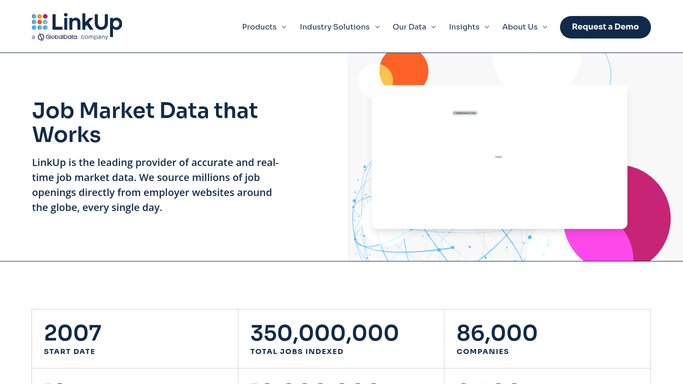
LinkUp - check competitor posting counts
linkup.com

WebRun opens LinkUp to check competitor posting counts. - Open LinkUp and search each competitor you track
- Record their current open posting count and any new roles this week
- Rank competitors from fastest to slowest hiring pace
Done when Every tracked competitor has this week's posting count recorded.
-
2
Microsoft Teams - post the scorecard
microsoft.com How to Automate Microsoft Teams
WebRun opens Microsoft Teams to post the scorecard. - Post the ranked scorecard to the strategy channel
- Call out any competitor whose posting count jumped sharply
Done when The team has this week's competitor scorecard in Teams.
-
3
Trello - update the strategy card
trello.com How to Automate Trello
WebRun opens Trello to update the strategy card. - Update the strategy card with the latest posting counts
- Attach a note on any notable new role opened this week
Done when The strategy board reflects this week's competitor hiring data.


How do I track competitor hiring trends automatically?
WebRun checks LinkUp every Monday for job posting activity at the competitors you track, ranks who is hiring fastest, posts the scorecard to Microsoft Teams, and updates a Trello strategy card with the latest numbers. It only reads public posting data, so your strategy team gets a weekly read on competitor hiring without manual searching.
- Competitor hiring jumps get flagged the same week, not the same quarter
- Strategy teams see a ranked view without manual searching
- Every hiring trend lands on one tracked Trello card
Built for competitive intelligence teams · talent acquisition leaders · People analytics · corporate strategy teams
How is each run configured?
Secure by default
Connect once, stays signed in
WebRun signs in once and keeps each session in a persistent environment, so every run picks up right where it left off.
Every action is checked against this policy before it runs.
Questions, answered
Does WebRun post or apply to any of the roles it finds?
No. It only reads publicly listed posting counts. It never applies, posts, or contacts anyone at the companies it tracks.
How does it decide a posting count jumped sharply?
It compares this week's count against last week's for the same competitor and flags any increase past the threshold you set.
Can I change which competitors it tracks?
Yes. Update the list of companies at any time, and the next Monday's scorecard reflects the new set.
Related templates
Put this on autopilot.
Turn it on in minutes - or have our team set it up for you.