Run a conflict check before opening a new matter
When a new matter intake lands, WebRun opens Clio and your conflict-check spreadsheet, searches both for the prospective client name and related parties, compiles a conflict report, and posts it in Slack for attorney sign-off before any engagement letter goes out.
- No credit card
- Under $0.01 per run
- Cancel anytime
What does WebRun do on every run?
The exact actions WebRun takes, in order - in plain language, so you can adjust anything.
-
WebRun signs in and gets to work
Opens
app.clio.comin a real browser with your saved login - no setup, no API keys. -
1
Clio - search existing matters and contacts
clio.com How to Automate Clio

WebRun opens Clio to search existing matters and contacts. - Open Clio Contacts and search for the prospective client's name and any related-party names from the intake form
- Check Clio Matters for any prior or active matters involving those names
- Note the matter number, status, and responsible attorney for each potential hit
Done when All matching Clio records for the prospective client and related parties have been captured.
-
2
Google Sheets - log conflict-check result
google.com How to Automate Google Sheets
WebRun opens Google Sheets to log conflict-check result. - Open the conflict-check log spreadsheet
- Add a new row: intake date, prospective client, related parties, any Clio hits, and a clear CONFLICT / CLEAR status
- Timestamp the entry so there is an auditable record
Done when The conflict-check result is logged with a clear status and timestamp.
-
3
Slack - report findings to the attorney
slack.com How to Automate Slack
WebRun opens Slack to report findings to the attorney. - Post the conflict-check summary to the responsible attorney's channel, listing any hits and their matter numbers
- If no conflicts found, mark it CLEAR so the attorney can proceed
- If hits are found, flag for manual review before any engagement letter is drafted
Done when The attorney has received the conflict report and can make an informed decision.
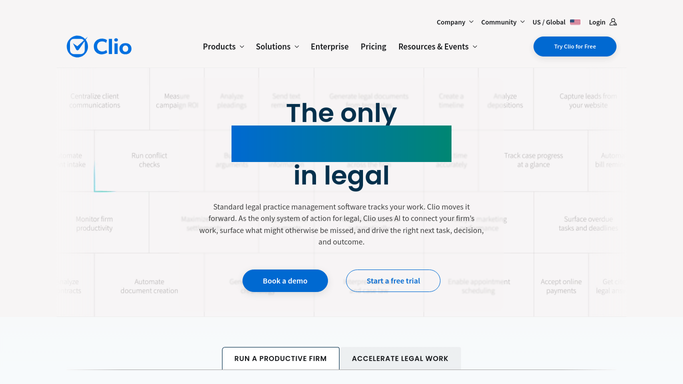


How can I automatically run a conflict check before opening a new matter?
When a new matter intake lands, WebRun searches Clio and your conflict-check spreadsheet for the prospective client name and all related parties, compiles a conflict report, and posts it to Slack for attorney sign-off - so no engagement letter goes out before conflicts are cleared.
- Conflict checks completed automatically at intake, not days later
- Attorneys receive a clear conflict report in Slack before engagement begins
- No engagement letter sent before conflicts are reviewed and cleared
Built for law firm partners · legal operations managers · conflict-check coordinators · solo and small law firms
How is each run configured?
Secure by default
Connect once, stays signed in
WebRun signs in once and keeps each session in a persistent environment, so every run picks up right where it left off.
Every action is checked against this policy before it runs.
Questions, answered
Does WebRun make a final conflict determination?
No. It surfaces the data - matching names, matter numbers, and statuses - and flags them for attorney review. The final judgment is always the attorney's.
What sources does it check?
Clio's contacts and matters database, plus your conflict-check spreadsheet. You can add more sources to the plan as your firm's needs grow.
Is the check logged somewhere auditable?
Yes. Every check is written to your Google Sheet with a timestamp and result, so you have a documented record for risk management purposes.
Related templates
Put this on autopilot.
Turn it on in minutes - or have our team set it up for you.