Ask happy customers for a review right after their order
Every morning, WebRun opens Curbside Laundries, finds orders that were collected or delivered the previous day, drafts a personalised review request email in Gmail and a queued SMS in Twilio for each customer, and holds every message for your approval before sending.
- No credit card
- Under $0.01 per run
- Cancel anytime
What does WebRun do on every run?
The exact actions WebRun takes, in order - in plain language, so you can adjust anything.
-
WebRun signs in and gets to work
Opens
www.curbsidelaundries.comin a real browser with your saved login - no setup, no API keys. -
1
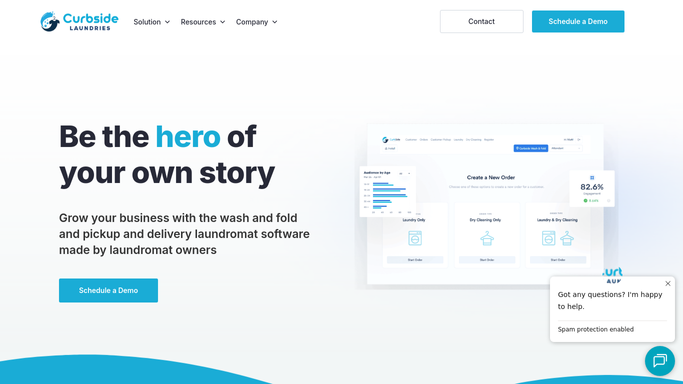
Curbside Laundries - find orders completed yesterday
curbsidelaundries.com

WebRun opens Curbside Laundries to find orders completed yesterday. - Open Curbside Laundries and filter orders completed or delivered yesterday
- Exclude any customer who has already received a review request in the last 90 days
- Capture each customer's name, email, mobile number, and service used
Done when All eligible completed orders from yesterday are listed with customer contact details.
-
2
Gmail - draft review request email
gmail.com How to Automate Gmail
WebRun opens Gmail to draft review request email. - Draft a short, friendly review request email for each customer, thanking them and including a direct link to your preferred review platform
- Keep the tone warm and brief. Do not ask for a specific star rating.
- Save every draft to Gmail Drafts. Do not send without your approval.
Done when A draft review request email exists in Gmail for each eligible completed order.
-
3
Twilio - queue review request SMS for approval
twilio.com How to Automate Twilio
WebRun opens Twilio to queue review request SMS for approval. - Compose a short SMS review request for each customer with a direct review link
- Queue each SMS in Twilio as pending. Do not dispatch until you approve.
Done when SMS review requests are queued in Twilio awaiting your approval.


How do I automatically ask laundry customers for a review after their order?
WebRun checks Curbside Laundries every morning for orders completed the previous day, drafts a friendly review request in Gmail and queues an SMS in Twilio for each eligible customer. No message reaches a customer until you approve it, so your review outreach is consistent, timely, and fully reviewed before it goes out.
- Review requests go out within 24 hours of a completed order at scale
- No customer is asked more than once in a 90-day window
- Every message is reviewed and approved before reaching a customer
Built for laundromats · wash-dry-fold services · dry cleaners · laundry pickup and delivery operators
How is each run configured?
Secure by default
Connect once, stays signed in
WebRun signs in once and keeps each session in a persistent environment, so every run picks up right where it left off.
Every action is checked against this policy before it runs.
Questions, answered
Will it send review requests to customers automatically?
No. Every review request is saved as a Gmail draft or queued in Twilio pending. WebRun never sends to a customer without your approval.
How does it prevent the same customer from getting multiple requests?
It checks whether a review request was already sent in the last 90 days before drafting a new one, so customers are never asked for a review too frequently.
Can it link to Google, Yelp, or another review platform?
Yes. Paste the direct link to your preferred review platform once during setup and WebRun will include it in every draft automatically.
Related templates
Put this on autopilot.
Turn it on in minutes - or have our team set it up for you.