Catch the messages sitting unanswered in your inbox
Every morning, WebRun signs into Interia Poczta, compares your inbox against your sent folder to find threads where the last message came from the other side and no reply has gone back, writes an ordered list into Notion with each thread's age, and posts the same list to Microsoft Teams.
- No credit card
- Under $0.01 per run
- Cancel anytime
How do I find the emails still waiting for my reply?
WebRun finds your unanswered Interia Poczta threads every morning. It compares the inbox against the sent folder, keeps only conversations where the last message came from the other side and no reply went back, and writes an ordered list into Notion and Microsoft Teams with each thread's age, oldest first.
- A customer email does not sit three days unanswered
- You see what is actually waiting on you, not the whole inbox
- The oldest waiting thread is named every morning
Built for small business owners · freelancers · customer facing teams · office managers
What does WebRun do on every run?
The exact actions WebRun takes, in order - in plain language, so you can adjust anything.
-
WebRun signs in and gets to work
Opens
poczta.interia.plin a real browser with your saved login - no setup, no API keys. -
1
Interia Poczta - find threads with no reply sent
interia.pl
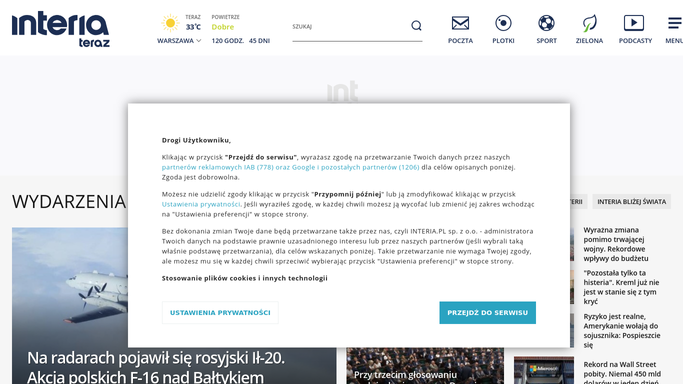
WebRun opens Interia Poczta to find threads with no reply sent. - Sign into Interia Poczta and open the inbox folder
- For each conversation find the most recent message and who sent it
- Check the sent folder for any reply from you after that message
- Keep only the threads where the last message is theirs and no reply has gone back
- Record the sender, the subject, the date of their last message and how many days it has been waiting
- Note which threads carry attachments, since those often need more than a one line answer
- Skip newsletters, notifications and anything on your ignore list
Done when Every thread genuinely waiting on a reply is listed with its sender, subject and age.
-
2
Notion - write the ordered waiting list
notion.so How to Automate Notion

WebRun opens Notion to write the ordered waiting list. - Write today's waiting list into your Notion inbox page, oldest thread first
- Give each row the sender, subject, days waiting and whether it has an attachment
- Carry forward a note on threads that were also on yesterday's list so the slow ones stand out
- Leave replying entirely to you: the page is a list, and WebRun never writes or sends an email
Done when Notion holds today's ordered list of unanswered threads, oldest first.
-
3
Microsoft Teams - post it where the team sees it
microsoft.com How to Automate Microsoft Teams

WebRun opens Microsoft Teams to post it where the team sees it. - Post the same list into your Teams channel or your own chat
- Lead with the count waiting and the age of the oldest
- Show the top few by age with sender and subject so the urgent ones are visible without opening Notion
- Link the Notion page for the full list
Done when Today's waiting list is posted in Teams with the oldest threads named.
How is each run configured?
Secure by default
Connect once, stays signed in
WebRun signs in once and keeps each session in a persistent environment, so every run picks up right where it left off.
Every action is checked against this policy before it runs.
Questions, answered
Will it reply to emails on my behalf?
No. WebRun only reads your inbox and sent folder to work out what is unanswered. It never writes, sends or auto-replies to an email, so every message that leaves your Interia account was typed by you.
Will it move, delete or mark my mail as read?
No. WebRun leaves the mailbox exactly as it found it. Nothing is deleted, archived, flagged or marked read, so the list is built purely from reading and your inbox looks untouched afterwards.
How does it avoid listing newsletters?
It skips senders on your ignore list along with obvious bulk mail and notification addresses, and it only lists threads where a person's message is genuinely the last one with no reply from you in the sent folder.
Related templates
Put this on autopilot.
Turn it on in minutes - or have our team set it up for you.