Follow up with prospects who started but didn't finish your intake form
Every morning, WebRun reviews Clio for incomplete intake records created in the past 7 days, drafts a personalised follow-up email for each prospect for attorney or intake-coordinator review, and logs the outreach attempt in a Google Sheet so the team has a full picture of the pipeline.
- No credit card
- Under $0.01 per run
- Cancel anytime
What does WebRun do on every run?
The exact actions WebRun takes, in order - in plain language, so you can adjust anything.
-
WebRun signs in and gets to work
Opens
app.clio.comin a real browser with your saved login - no setup, no API keys. -
1
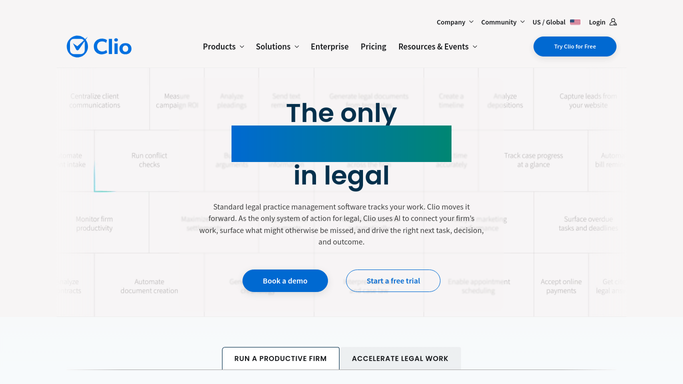
Clio - identify incomplete intake records
clio.com How to Automate Clio

WebRun opens Clio to identify incomplete intake records. - Open Clio and filter contacts or matters created in the last 7 days that have incomplete intake status
- For each incomplete record, capture the prospect name, email, matter type, and what information is still missing
- Skip any prospect who has already been followed up with in the past 3 days
Done when All incomplete intakes from the past 7 days that are overdue for follow-up are identified.
-
2
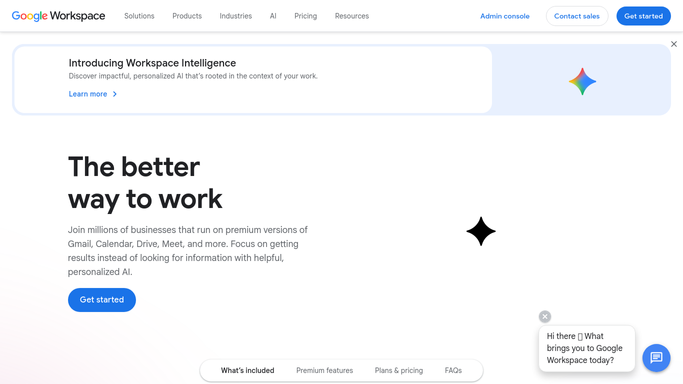
Gmail - draft follow-up emails for review
gmail.com How to Automate Gmail
WebRun opens Gmail to draft follow-up emails for review. - Draft a warm, helpful follow-up email to each prospect acknowledging their initial inquiry and asking them to complete the remaining information
- Mention the specific matter type they expressed interest in to make it feel personal
- Save as a Gmail draft - do not send without review by the intake coordinator or attorney
Done when A personalised follow-up draft is saved in Gmail for each incomplete intake prospect.
-
3
Google Sheets - log the follow-up pipeline
google.com How to Automate Google Sheets
WebRun opens Google Sheets to log the follow-up pipeline. - Open the intake pipeline spreadsheet
- Log each incomplete prospect: name, matter type, days since initial contact, follow-up draft status
- Flag anyone who has been in the pipeline more than 14 days without completing as a priority
Done when The intake pipeline sheet is updated with current status and priority flags for the team.
How can I automatically follow up with prospects who didn't finish my intake form?
Every morning, WebRun reviews Clio for incomplete intake records created in the past seven days, drafts a personalised follow-up email for each prospect for attorney or intake-coordinator review, and logs the outreach attempt in a Google Sheet - so warm leads don't go cold while your team is focused elsewhere.
- No incomplete intake goes uncontacted past 24 hours
- Follow-up drafts reviewed by attorneys before any message reaches a prospect
- Full outreach history logged in Google Sheets for pipeline visibility
Built for law firm intake coordinators · solo and small law firms · legal marketing teams · personal injury firms
How is each run configured?
Secure by default
Connect once, stays signed in
WebRun signs in once and keeps each session in a persistent environment, so every run picks up right where it left off.
Every action is checked against this policy before it runs.
Questions, answered
Will it email prospects without someone reviewing the draft first?
No. Every follow-up is saved as a Gmail draft for the intake coordinator or attorney to review and send - no prospect receives an automated email.
How does it avoid pestering someone who just isn't interested?
It respects a minimum 3-day gap between follow-ups and stops after a configurable maximum (e.g. 2 attempts). If a prospect doesn't respond, they are flagged for a human decision rather than chased indefinitely.
Can it handle multiple practice areas with different intake questions?
Yes. You configure the missing-fields check per matter type, so a family-law intake and a corporate intake each know what 'complete' means for their context.
Related templates
Put this on autopilot.
Turn it on in minutes - or have our team set it up for you.