Stay ahead of imaging equipment maintenance and downtime
Every Monday, WebRun opens RamSoft, checks equipment and modality records for upcoming preventive maintenance, QA phantom tests, and license renewal dates, logs each item with its due date and responsible party to a Google Sheet, and posts a maintenance alert to Slack so your biomedical or service team can schedule work well before any unplanned downtime.
- No credit card
- Under $0.01 per run
- Cancel anytime
What does WebRun do on every run?
The exact actions WebRun takes, in order - in plain language, so you can adjust anything.
-
WebRun signs in and gets to work
Opens
www.ramsoft.comin a real browser with your saved login - no setup, no API keys. -
1
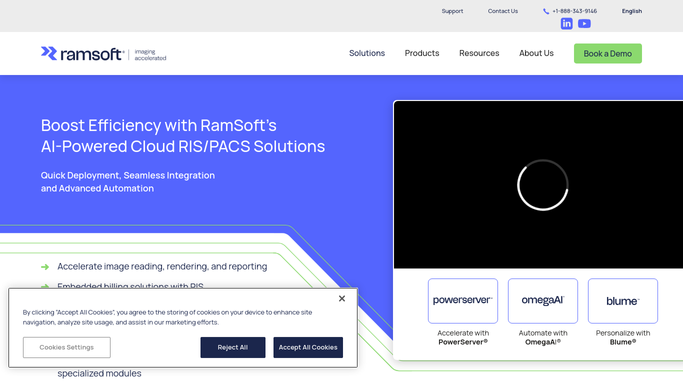
RamSoft - check equipment records for upcoming maintenance due dates
ramsoft.com How to Automate RamSoft

WebRun opens RamSoft to check equipment records for upcoming maintenance due dates. - Open RamSoft and navigate to equipment or modality management records
- Find any modality with a preventive maintenance, QA test, or license renewal due within the next 30 days
- Capture modality name, due date, maintenance type, and the vendor or responsible technician
Done when All modalities with maintenance due within 30 days are captured with their due date and type.
-
2
Google Sheets - log maintenance items with due dates and responsible party
google.com How to Automate Google Sheets
WebRun opens Google Sheets to log maintenance items with due dates and responsible party. - Update the Modality Maintenance Tracker sheet with this week's due items
- Mark completed maintenance items as closed from last week's list
- Sort remaining items by days until due, most urgent first
Done when The maintenance tracker is current with all upcoming items sorted by urgency.
-
3
Slack - post weekly maintenance alert for biomedical team
slack.com How to Automate Slack
WebRun opens Slack to post weekly maintenance alert for biomedical team. - Post the weekly maintenance alert to the biomedical or ops Slack channel
- Lead with items due within the next 7 days, then show the 8 to 30 day horizon
- Include a link to the Google Sheet for the full maintenance calendar
Done when The biomedical team has a prioritized maintenance alert in Slack for the week.


How do I automatically track upcoming imaging equipment maintenance and alert my biomedical team?
WebRun opens RamSoft every Monday, checks all modality equipment records for preventive maintenance, QA tests, and license renewals due within 30 days, and logs them in a Google Sheet before posting a priority-sorted alert to Slack. Your biomedical team sees the full maintenance horizon every week and can book service before a scanner goes down unplanned.
- Biomedical team sees a 30-day maintenance horizon every Monday with no manual calendar review
- Unplanned scanner downtime reduced because preventive maintenance is never missed
- Completed maintenance items automatically closed from the tracker when updated in RamSoft
Built for biomedical engineers · imaging center facilities managers · radiology department directors
How is each run configured?
Secure by default
Connect once, stays signed in
WebRun signs in once and keeps each session in a persistent environment, so every run picks up right where it left off.
Every action is checked against this policy before it runs.
Questions, answered
Will it book a service engineer or order parts automatically?
No. WebRun surfaces the upcoming maintenance items so your biomedical team can plan and book service. All vendor scheduling and parts orders are handled by a person reviewing the weekly Slack alert.
What types of maintenance events does it track?
It captures any maintenance category recorded in RamSoft's equipment module, such as preventive maintenance, annual QA phantom tests, X-ray tube replacements, and software license renewals, depending on what your center records there.
What if a maintenance item was completed but not updated in RamSoft?
WebRun reads whatever is logged in RamSoft. If your team keeps equipment records updated after each service visit, the tracker will reflect current status. Items not updated in RamSoft will continue to appear until the record is closed.
Related templates
Put this on autopilot.
Turn it on in minutes - or have our team set it up for you.