Nudge unaccepted proposals before they go cold
Every morning, WebRun opens Tinsel CRM, finds proposals still sitting unaccepted after 7 days, drafts a gentle nudge email in Gmail that adds a soft closing date, and logs each stalled deal to your Google Sheets pipeline tracker so nothing quietly falls out of the funnel.
- No credit card
- Under $0.01 per run
- Cancel anytime
What does WebRun do on every run?
The exact actions WebRun takes, in order - in plain language, so you can adjust anything.
-
WebRun signs in and gets to work
Opens
app.tinselcrm.comin a real browser with your saved login - no setup, no API keys. -
1
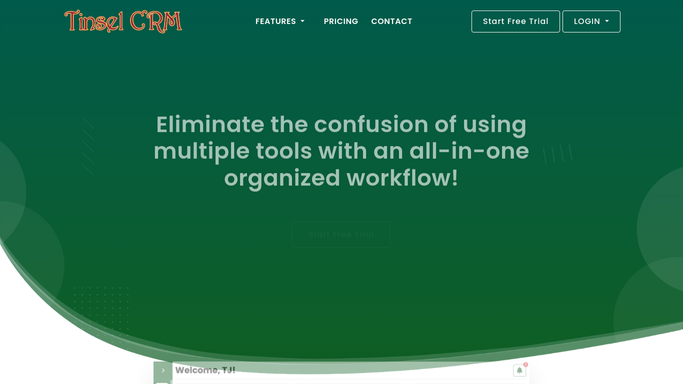
Tinsel CRM - find proposals still unaccepted
tinselcrm.com How to Automate Tinsel CRM

WebRun opens Tinsel CRM to find proposals still unaccepted. - Open Tinsel CRM and filter proposals to status Unaccepted
- Flag any sitting in that status for 7 or more days
- Capture the package, price, and days since it was sent
Done when Every stalled proposal is listed with its age and package details.
-
2
Gmail - draft a gentle nudge
gmail.com How to Automate Gmail
WebRun opens Gmail to draft a gentle nudge. - Draft a short, friendly nudge referencing the proposal and package
- Add a soft closing date to create gentle urgency
- Save each nudge as a draft. Leave it unsent for the rep to review
Done when A ready to review nudge draft exists for every stalled proposal.
-
3
Google Sheets - log the stalled deal
google.com How to Automate Google Sheets
WebRun opens Google Sheets to log the stalled deal. - Open the Proposal Pipeline tracker sheet
- Log each stalled proposal with its age, value, and nudge status
- Mark any proposal accepted since the last run as closed instead of stalled
Done when The pipeline tracker reflects every currently stalled proposal and its nudge status.


How do I follow up on unaccepted holiday lighting proposals automatically?
WebRun checks Tinsel CRM every morning for proposals still unaccepted after 7 days, drafts a gentle nudge email with a soft closing date in Gmail, and logs each stalled deal to your Google Sheets pipeline tracker. The rep reviews and sends the nudge themselves, so no proposal quietly dies in the funnel.
- No proposal quietly dies. Stalled deals get a nudge after 7 days
- Pipeline tracker shows every stalled deal and its nudge status at a glance
- Accepted proposals are marked closed automatically from live Tinsel CRM status
Built for holiday lighting sales reps · Christmas light installers · seasonal lighting business owners · holiday decor sales teams
How is each run configured?
Secure by default
Connect once, stays signed in
WebRun signs in once and keeps each session in a persistent environment, so every run picks up right where it left off.
Every action is checked against this policy before it runs.
Questions, answered
Will it send the nudge email to the prospect automatically?
No. WebRun only drafts the nudge in Gmail. The assigned rep reviews and sends it themselves, so no prospect gets a message without a human checking it first.
How long does a proposal sit before it counts as stalled?
7 days with no acceptance by default. That threshold can be adjusted in your run settings.
What happens once a proposal is finally accepted?
It reads the live status in Tinsel CRM each morning, so any proposal accepted since the last run is marked closed in the pipeline tracker automatically.
Related templates
Put this on autopilot.
Turn it on in minutes - or have our team set it up for you.