Handle card buylist offers
When a customer submits a card buylist, WebRun logs the submission into BinderPOS, records the offer details in a Google Sheets intake log, and posts a Slack alert to staff so the next available buyer can review and respond to the offer.
- No credit card
- Under $0.01 per run
- Cancel anytime
What does WebRun do on every run?
The exact actions WebRun takes, in order - in plain language, so you can adjust anything.
-
WebRun signs in and gets to work
Opens
app.binderpos.comin a real browser with your saved login - no setup, no API keys. -
1
BinderPOS - log buylist submission
binderpos.com

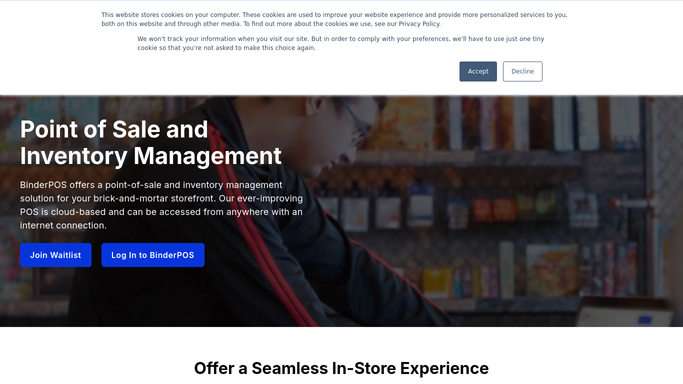
WebRun opens BinderPOS to log buylist submission. - Open BinderPOS and navigate to the buylist or trade-in section
- Confirm the new buylist submission is recorded with customer name and card list
- Note the submission timestamp and assign it a reference number
Done when The buylist submission is recorded in BinderPOS with a reference number.
-
2
Google Sheets - record offer details in intake log
google.com How to Automate Google Sheets
WebRun opens Google Sheets to record offer details in intake log. - Open the buylist intake Google Sheet
- Append a new row with the customer name, contact, card list summary, submission date, and reference number
- Mark the status as pending review
Done when The buylist submission is logged in the Google Sheets intake tracker with pending status.
-
3
Slack - alert staff to review the offer
slack.com How to Automate Slack
WebRun opens Slack to alert staff to review the offer. - Post a Slack alert to the buying team channel with the customer name and card list summary
- Include the reference number and a link to the intake sheet row
- Flag how many other submissions are currently pending review
Done when Staff have a Slack alert with buylist details and can assign a buyer to respond.


How do I automatically log card buylist submissions and alert my buying staff?
WebRun logs every card buylist submission into BinderPOS, records the offer details in a Google Sheets intake log, and posts a Slack alert to your buying team the moment a submission arrives. Staff review the offer and respond to the customer directly, so no buylist sits unnoticed.
- Every buylist submission logged in BinderPOS and Google Sheets instantly
- Buying staff alerted in Slack so no offer waits unreviewed
- Reference numbers make it easy to track each submission through to completion
Built for card game store owners · TCG buyers · hobby shop managers · game store buying staff
How is each run configured?
Secure by default
Connect once, stays signed in
WebRun signs in once and keeps each session in a persistent environment, so every run picks up right where it left off.
Every action is checked against this policy before it runs.
Questions, answered
Will it send a buylist offer to the customer automatically?
No. WebRun logs the submission and alerts staff, but any offer or response to the customer is drafted by staff and sent manually so your buyers control the offer price and terms.
What details does it capture from the buylist submission?
WebRun captures the customer name, contact details, card names and quantities submitted, the submission date, and a reference number. Staff see all of this in both the Google Sheets log and the Slack alert.
Can it handle high volumes of buylist submissions during a busy event weekend?
Yes. WebRun processes each submission as it arrives and posts individual Slack alerts, so no submission is missed even when multiple customers submit at the same time.
Related templates
Put this on autopilot.
Turn it on in minutes - or have our team set it up for you.