Compile your monthly grease disposal compliance report
On the first run of each month, WebRun opens Tank Track, adds up every completed grease trap pump-out by disposal facility, builds a compliance report of gallons hauled and disposed per site, writes it to a Google Sheet, and drafts a submission email in Gmail that you review and send to the municipality.
- No credit card
- Under $0.01 per run
- Cancel anytime
What does WebRun do on every run?
The exact actions WebRun takes, in order - in plain language, so you can adjust anything.
-
WebRun signs in and gets to work
Opens
tank-track.comin a real browser with your saved login - no setup, no API keys. -
1
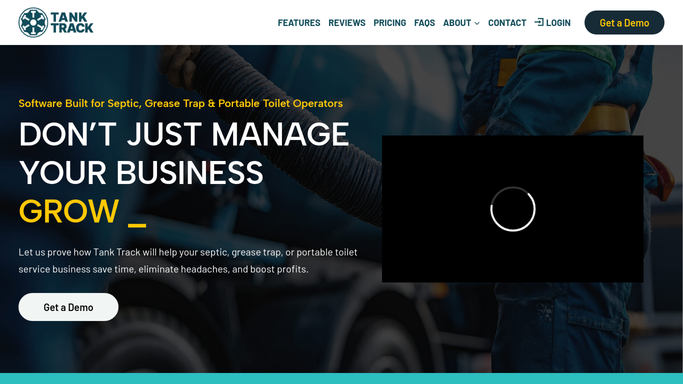
Tank Track - total volume by disposal site
tank-track.com How to Automate Tank Track

WebRun opens Tank Track to total the month's volume by disposal site. - Open Tank Track and filter completed grease trap jobs to the reporting month
- Group the jobs by disposal facility and sum the gallons hauled to each
- Capture the manifest number, service date, and generator site behind every disposal entry
- Note any pump-out missing a disposal facility so the report is complete
Done when Every disposal site has a monthly gallon total backed by its manifest records.
-
2
Google Sheets - build the compliance report
google.com How to Automate Google Sheets
WebRun builds the month's disposal compliance report in a Google Sheet. - Open the Disposal Compliance Report sheet and start a new tab for the month
- List each disposal facility with total gallons, job count, and permit reference
- Add a line for any pump-out missing a disposal site so nothing is unaccounted for
- Show a grand total of gallons hauled for the month
Done when The monthly compliance tab shows volume per disposal site with a grand total.
-
3
Gmail - draft the regulator email
gmail.com How to Automate Gmail
WebRun drafts the compliance email in Gmail for your review before sending. - Draft the monthly compliance email to the municipality with the volume-per-site summary in the body
- Attach or link the Google Sheet report and reference the permit number
- Save the email as a draft in Gmail for your compliance officer to review
- Never send the report to a regulator automatically
Done when A complete regulator email sits in Gmail drafts, ready for a human to review and send.


How do I build a monthly grease disposal compliance report automatically?
WebRun opens Tank Track each month, totals every grease trap pump-out by disposal facility, and builds a compliance report of gallons hauled and disposed per site in a Google Sheet. It then drafts the submission email in Gmail with the summary and permit reference, leaving it for your compliance officer to review and send to the municipality.
- The monthly disposal report is compiled from live records, not rebuilt by hand
- Volume is broken out per disposal site with a permit reference for each
- The regulator email is drafted and held for human review before it sends
Built for grease trap haulers · FOG compliance officers · liquid waste operators · septic and grease companies
How is each run configured?
Secure by default
Connect once, stays signed in
WebRun signs in once and keeps each session in a persistent environment, so every run picks up right where it left off.
Every action is checked against this policy before it runs.
Questions, answered
Will it submit the compliance report to the regulator on its own?
No. WebRun builds the report and drafts the submission email in Gmail, then leaves it for your compliance officer to review and send. Nothing goes to a municipality without a human approving it first.
How does it total gallons by disposal facility?
It reads every completed grease trap pump-out for the month in Tank Track, groups the jobs by the disposal facility recorded on each manifest, and sums the gallons hauled to each site in the Google Sheet.
What if some pump-outs are missing a disposal site?
It lists those jobs separately in the report so the volume is never silently dropped, letting your team fill the gap in Tank Track before the report is sent.
Related templates
Put this on autopilot.
Turn it on in minutes - or have our team set it up for you.