Pay only for the Mailbird seats you use
Every Monday, WebRun signs in to your Mailbird account, reads the licences you hold, the devices each is activated on, the plan, and the renewal date, records the picture in Notion, and files a Trello card for every seat assigned to someone who has left.
- 7-day free trial
- Under $0.01 per run
- Cancel anytime

What does WebRun do on every run?
The exact actions WebRun takes, in order - in plain language, so you can adjust anything.
-
WebRun signs in and gets to work
Opens
www.getmailbird.comin a real browser with your saved login - no setup, no API keys. -
1
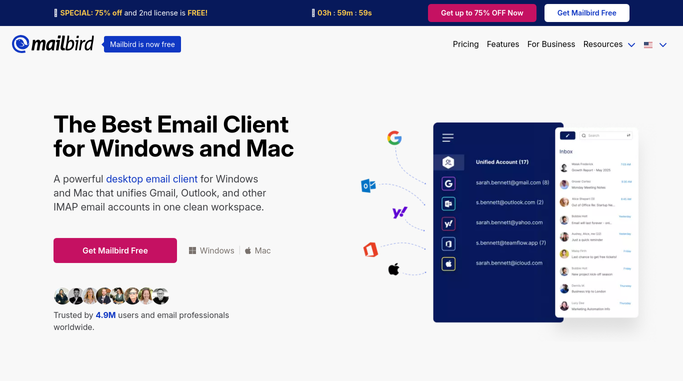
Mailbird - read licences, devices and renewal date
getmailbird.com

WebRun opens Mailbird to read licences, devices and renewal date. - Sign in to your Mailbird account area and open the licence and subscription details
- Record how many licences you hold and how many are activated
- List the devices each licence is currently activated on
- Read the plan and the next renewal date
- Check past orders so a licence bought separately is not counted twice
Done when Every licence is recorded with its devices, plan, and renewal date.
-
2
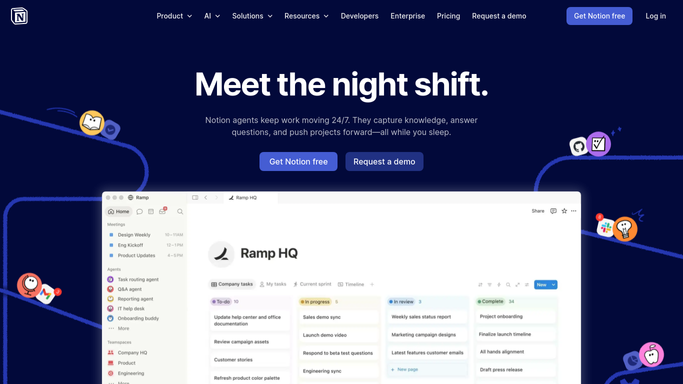
Notion - record the seat picture
notion.so How to Automate Notion
WebRun opens Notion to record the seat picture. - Update your software licence page with this week's Mailbird figures
- Show licences held, licences activated, and the gap between them
- Put the renewal date and the days remaining at the top
- Match each activated device against your current staff list and mark the ones with no owner
Done when The Notion licence page shows held, used, and unmatched seats with the renewal date.
-
3
Trello - file each seat to reclaim
trello.com How to Automate Trello
WebRun opens Trello to file each seat to reclaim. - Create a card for each licence activated on a device with no current owner
- Add a card when the renewal date falls inside your notice period
- Note the licence count you would actually need so the decision is easy
- Leave the cards for a human. WebRun never cancels, renews, or deactivates a licence
Done when Every seat to reclaim and the renewal decision have a Trello card.

How do I check my Mailbird licences before the subscription renews?
WebRun signs in to your Mailbird account every Monday and reads the licences you hold, the devices each is activated on, and the next renewal date. It records the seat picture in Notion and files a Trello card for every licence with no current owner, so the team pays only for seats actually in use.
- Unused seats are found before the renewal date, not after
- Every licence is matched to a device and a current employee
- The renewal decision arrives with the seat count you actually need
Built for office managers · IT admins · small business owners · operations leads
How is each run configured?
Secure by default
Connect once, stays signed in
WebRun signs in once and keeps each session in a persistent environment, so every run picks up right where it left off.
Every action is checked against this policy before it runs.
Questions, answered
Will it cancel or renew the subscription?
No. WebRun never cancels a plan, renews one, deactivates a device, or spends money. It files a Trello card describing what it found, and a human makes the renewal decision.
Does it read any of my email?
No. This workflow never opens a mailbox or a message. It reads the account and licence pages only: seats, devices, plan, and renewal date.
How does it know a seat belongs to someone who left?
It matches each activated device against the staff list you keep in Notion. A device with no matching current employee is flagged as a seat to reclaim, and you confirm before anything changes.
Related templates
Put this on autopilot.
Turn it on in minutes - or have our team set it up for you.