Book annual fire pump tests on time
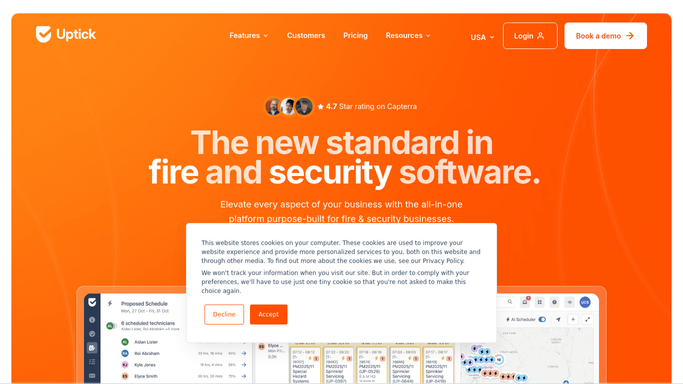
Every morning, WebRun opens Uptick, finds fire pumps whose annual flow test is due in the next 30 days, holds a tentative slot on your Google Calendar for each, and drafts a scheduling text to the property contact, leaving every message for you to approve.
- No credit card
- Under $0.01 per run
- Cancel anytime
What does WebRun do on every run?
The exact actions WebRun takes, in order - in plain language, so you can adjust anything.
-
WebRun signs in and gets to work
Opens
app.uptickhq.comin a real browser with your saved login - no setup, no API keys. -
1
Uptick - find pumps due for testing
uptickhq.com How to Automate Uptick

WebRun finds fire pumps due for their annual flow test. - Open Uptick and filter assets to fire pumps
- Capture any whose annual flow test is due within 30 days
- Note the property, contact, pump details, and last test date for each
Done when Every fire pump due for its annual test is listed with its property and contact.
-
2
Google Calendar - hold a test slot
calendar.google.com How to Automate Google Calendar
WebRun holds a tentative slot for each pump test on the tech calendar. - Hold a tentative test slot on the assigned technician's Google Calendar
- Match the slot to the property location and the pump's due window
- Add the property, contact, and pump details to the event notes
Done when Each due pump test has a tentative slot held on the calendar.
-
3
Twilio - draft the scheduling text
twilio.com How to Automate Twilio
WebRun drafts a scheduling text per property and leaves it for approval. - Draft a scheduling text to each property contact with the proposed date
- Ask them to confirm or reply with a better time
- Leave every message queued and unsent for you to approve
Done when A scheduling text is drafted and queued for review for every due pump.


How do I schedule annual fire pump tests before they come due?
WebRun checks Uptick every morning for fire pumps whose annual flow test is due within 30 days. It holds a tentative slot on your Google Calendar and drafts a scheduling text to each property contact through Twilio, leaving every message for you to approve, so annual pump tests get booked before they fall overdue.
- Annual pump tests get booked 30 days out, never after they lapse
- Each test lands a held calendar slot ready to confirm
- Property contacts get a drafted scheduling text you approve first
Built for fire protection contractors · sprinkler ITM firms · dispatch teams · life safety technicians
How is each run configured?
Secure by default
Connect once, stays signed in
WebRun signs in once and keeps each session in a persistent environment, so every run picks up right where it left off.
Every action is checked against this policy before it runs.
Questions, answered
Will it message property contacts on its own?
No. WebRun drafts each scheduling text and leaves it queued for you to approve. The calendar hold is tentative, so nothing is committed or sent to a contact without a person confirming it.
How does it know a pump is due?
It reads each fire pump's annual test schedule and last test date in Uptick every morning, so any pump due within 30 days is surfaced with a held slot automatically.
What if the customer wants a different time?
The drafted text asks them to confirm or propose a better slot. The calendar hold stays tentative until they reply, so you can move it before anything is locked in.
Related templates
Put this on autopilot.
Turn it on in minutes - or have our team set it up for you.