Prove your preventive maintenance compliance every month
On the first business day of each month, WebRun opens UpKeep, tallies how many preventive maintenance tasks were completed on time versus late or missed last month, logs the compliance rate by asset and location to a tracking sheet, and posts a Slack report so your team can show and improve PM compliance.
- No credit card
- Under $0.01 per run
- Cancel anytime
What does WebRun do on every run?
The exact actions WebRun takes, in order - in plain language, so you can adjust anything.
-
WebRun signs in and gets to work
Opens
app.onupkeep.comin a real browser with your saved login - no setup, no API keys. -
1
UpKeep - tally last month's PM completion
upkeep.com How to Automate UpKeep

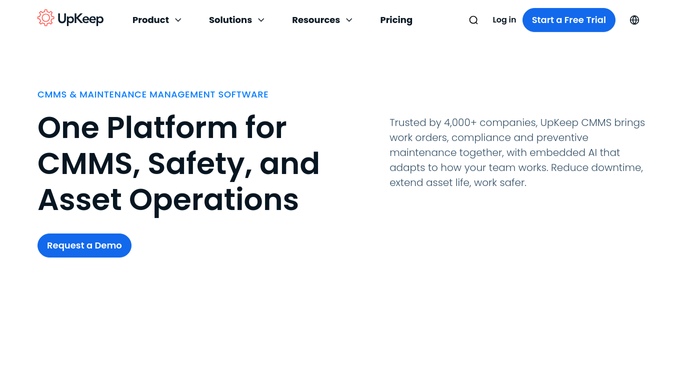
WebRun opens UpKeep to tally last month's preventive maintenance completion. - Open UpKeep and pull every preventive maintenance work order due last month
- Count how many were completed on time, completed late, or missed entirely
- Break the counts down by asset category and location
Done when Last month's PM completion is counted as on time, late, or missed for every asset and location.
-
2
Google Sheets - log the compliance rate
google.com How to Automate Google Sheets
WebRun logs last month's PM compliance rate to the tracker sheet. - Open the PM compliance tracker and add a row for last month's overall and per-location rate
- Calculate the compliance percentage as on-time completions divided by total PM tasks due
- Keep a running history so month-over-month trends are visible
Done when The compliance tracker sheet has last month's rate logged by location.
-
3
Slack - report the monthly score
slack.com How to Automate Slack
WebRun posts last month's PM compliance score to Slack. - Post the overall compliance percentage and the trend versus the prior month
- List the 3 locations or asset categories with the lowest compliance rate
- Note any asset that missed its PM entirely so it can be rescheduled
Done when The team has last month's compliance report and lowest-performing locations in Slack.


How do I track and report preventive maintenance compliance?
On the first business day of each month, WebRun tallies how many preventive maintenance tasks in UpKeep were completed on time, late, or missed last month, broken down by asset and location. It logs the compliance rate to a tracking sheet and posts a Slack report with the trend and the lowest performing locations, ready for an audit.
- A defensible PM compliance record is ready on the first of every month
- The 3 lowest-performing locations surface automatically for follow-up
- Missed PM tasks get flagged for rescheduling instead of forgotten in the count
Built for facilities managers · maintenance directors · compliance officers · multi-site operations
How is each run configured?
Secure by default
Connect once, stays signed in
WebRun signs in once and keeps each session in a persistent environment, so every run picks up right where it left off.
Every action is checked against this policy before it runs.
Questions, answered
How is the compliance rate calculated?
It divides the number of preventive maintenance tasks completed on time by the total number due last month, per location and asset category. A missed PM counts against the rate the same as a late one.
Does it reschedule the PM tasks that were missed?
No. It reports which ones were missed so your team can reschedule them in UpKeep. WebRun does not change the PM schedule itself.
Can I use this report for an audit or inspection?
Yes. The tracker sheet keeps a running month-over-month history of your compliance rate by location, which is exactly the kind of record an audit or client review typically asks for.
Related templates
Put this on autopilot.
Turn it on in minutes - or have our team set it up for you.