Escalate overdue work orders to the right manager
Every morning, WebRun opens UpKeep, finds every work order past its due date, logs the asset, technician, and days overdue to a tracker sheet, and posts a ranked escalation list in Slack so the right manager can step in before a delay turns into a bigger problem.
- No credit card
- Under $0.01 per run
- Cancel anytime
What does WebRun do on every run?
The exact actions WebRun takes, in order - in plain language, so you can adjust anything.
-
WebRun signs in and gets to work
Opens
app.onupkeep.comin a real browser with your saved login - no setup, no API keys. -
1
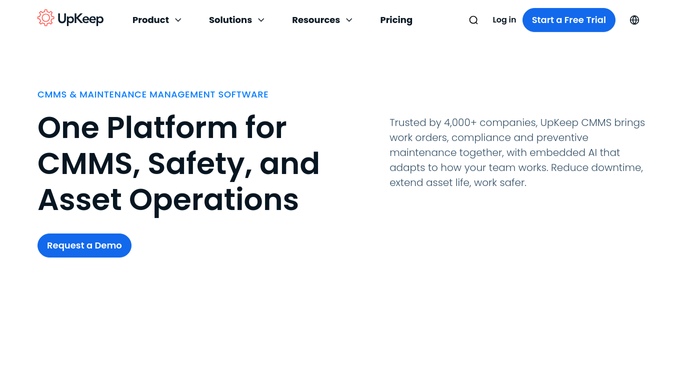
UpKeep - find work orders past due
upkeep.com How to Automate UpKeep

WebRun opens UpKeep to find work orders past their due date. - Open UpKeep and filter work orders to status Open or On Hold with a due date in the past
- Capture the asset, location, assigned technician, priority, and days overdue for each
- Sort the list with the oldest and highest priority work orders first
Done when Every overdue work order is listed with its technician and days overdue.
-
2
Google Sheets - log the overdue tracker
google.com How to Automate Google Sheets
WebRun logs each overdue work order to the tracker sheet. - Open the overdue tracker sheet and add a row for each work order found
- Fill in the asset, technician, priority, and days overdue columns
- Mark any work order already on the tracker as still open instead of duplicating it
Done when The tracker sheet reflects every currently overdue work order with no duplicates.
-
3
Slack - escalate to the right manager
slack.com How to Automate Slack
WebRun posts the escalation list to Slack and tags the responsible manager. - Post a ranked escalation list to the maintenance channel, oldest and highest priority first
- @-mention the manager responsible for each location
- Flag any work order overdue by more than 3 days in bold
Done when Managers have today's escalation list in Slack with the most urgent work orders flagged.


How do I catch overdue work orders before they stall a job?
WebRun checks UpKeep every morning for work orders past their due date, logs the asset, technician, and days overdue to a tracker sheet, and posts a ranked escalation list in Slack. Managers see the oldest and highest priority delays first, so a stalled work order gets a human decision before it becomes a bigger problem.
- Overdue work orders get a manager's attention the same morning they're found
- Work orders more than 3 days overdue are flagged in bold automatically
- A running tracker sheet shows exactly when and how each item was escalated
Built for facilities managers · maintenance supervisors · in-house maintenance teams · multi-site operations
How is each run configured?
Secure by default
Connect once, stays signed in
WebRun signs in once and keeps each session in a persistent environment, so every run picks up right where it left off.
Every action is checked against this policy before it runs.
Questions, answered
Will WebRun change who a work order is assigned to?
No. WebRun only reads and reports the overdue list. It never reassigns a work order or changes its priority, so a manager decides what to do with each flagged item.
How is 'overdue' defined?
Any open or on hold work order past the due date set in UpKeep counts as overdue. Change the due dates in UpKeep and the next morning's run reflects it automatically.
Does it message the technician directly?
No. The escalation list goes to your maintenance Slack channel for a manager to review. WebRun does not message technicians on its own.
Related templates
Put this on autopilot.
Turn it on in minutes - or have our team set it up for you.