Archive every receipt attachment from your eM Client inbox
Every morning, WebRun opens eM Client, finds new emails with a receipt, invoice, or statement attached, saves each attachment into a dated Google Drive folder, and posts a short summary of what was archived to Slack so your records stay backed up without manual downloading.
- No credit card
- Under $0.01 per run
- Cancel anytime
What does WebRun do on every run?
The exact actions WebRun takes, in order - in plain language, so you can adjust anything.
-
WebRun signs in and gets to work
Opens
www.emclient.comin a real browser with your saved login - no setup, no API keys. -
1
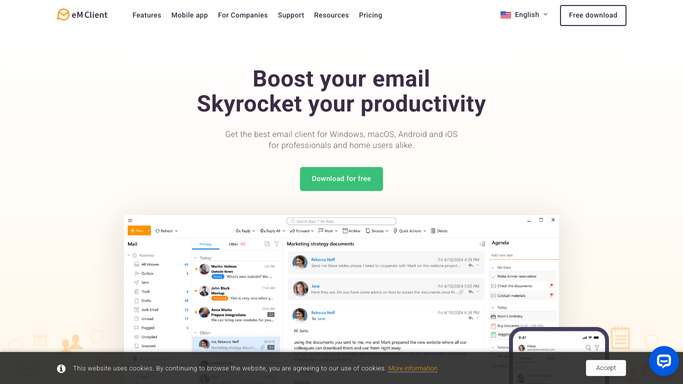
eM Client - find emails with receipts attached
emclient.com

WebRun opens eM Client to find emails with receipts attached. - Open eM Client and check new mail across connected accounts
- Find messages with a receipt, invoice, or statement attached
- Note the sender, date, and file name for each
Done when Every new attachment this run is identified with its source email.
-
2
Google Drive - archive each attachment
drive.google.com How to Automate Google Drive
WebRun opens Google Drive to archive each attachment. - Save each attachment into the dated folder for this month
- Name the file with the sender and date
- Skip any file already saved on a prior run
Done when Every found attachment is saved to Google Drive.
-
3
Slack - summarize what was saved
slack.com How to Automate Slack
WebRun opens Slack to summarize what was saved. - Post a short summary of how many files were archived and from whom
- List anything that looked like a receipt but had no readable attachment
- Keep the summary to one message per run
Done when Slack has today's archiving summary.


How do I automatically archive receipt attachments from eM Client?
WebRun checks eM Client every morning for emails with a receipt, invoice, or statement attached, then saves each attachment into a dated Google Drive folder. It posts a short summary of what was archived to Slack, so your financial records stay backed up without anyone downloading files by hand.
- Receipt and invoice attachments get archived the same morning they arrive
- Files land in a dated Google Drive folder ready for bookkeeping
- A Slack summary confirms what was saved without opening the inbox
Built for freelancers · bookkeepers · small business owners · solo consultants
How is each run configured?
Secure by default
Connect once, stays signed in
WebRun signs in once and keeps each session in a persistent environment, so every run picks up right where it left off.
Every action is checked against this policy before it runs.
Questions, answered
Does it delete the email or attachment after saving it?
No. WebRun only copies the attachment to Google Drive. The original email and file stay exactly where they are in eM Client.
How does it know something is a receipt?
It looks for common signals like an attached PDF or image alongside words like receipt, invoice, or statement in the subject or sender.
What if the same receipt arrives twice?
It checks what has already been saved this month before archiving, so a duplicate attachment does not create a second copy.
Related templates
Put this on autopilot.
Turn it on in minutes - or have our team set it up for you.