Get every eBay order out the door on time
Every morning, WebRun signs in to eBay, lists the paid orders still awaiting dispatch, works out which ones are close to or past their handling time, posts the at-risk list to your Microsoft Teams channel, and creates a Trello card per order on the packing board so nothing ships late.
- No credit card
- Under $0.01 per run
- Cancel anytime
How do I make sure eBay orders ship before the handling time runs out?
WebRun signs in to eBay every morning, lists the paid orders still awaiting dispatch, and works out which are close to or past their handling-time deadline. It posts the at-risk list to Microsoft Teams and creates one Trello card per order with the deadline as its due date, so packing is prioritized before anything ships late.
- Orders near their handling-time deadline are visible before packing starts
- Late dispatch defects get headed off instead of explained afterwards
- The packing board matches the real order queue every morning
Built for eBay sellers · ecommerce operations · warehouse teams · small retailers
What does WebRun do on every run?
The exact actions WebRun takes, in order - in plain language, so you can adjust anything.
-
WebRun signs in and gets to work
Opens
ebay.comin a real browser with your saved login - no setup, no API keys. -
1
eBay - find orders awaiting dispatch
ebay.com
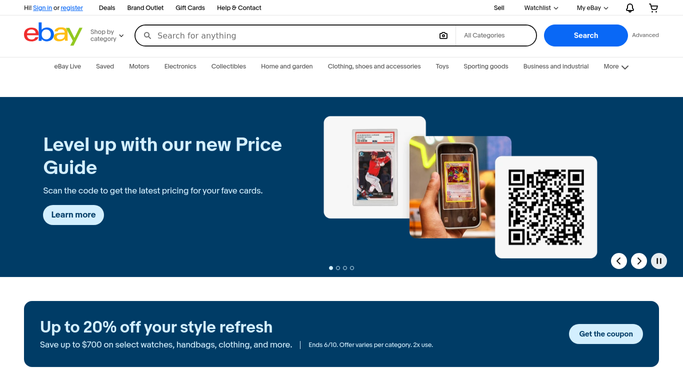
WebRun opens eBay to find orders awaiting dispatch. - Sign in to eBay and open the awaiting dispatch view in Seller Hub
- Capture each order with the buyer, item, quantity, and order date
- Work out the dispatch deadline from the handling time on the listing
- Mark anything due today or already late as at risk
- Note any order flagged with a buyer message or a delivery-address problem
- Read only. Never mark an order dispatched, refund, cancel, or message a buyer
Done when Every undispatched order is listed with its deadline and risk state.
-
2
Microsoft Teams - post the at-risk list
microsoft.com How to Automate Microsoft Teams

WebRun opens Microsoft Teams to post the at-risk list. - Post the at-risk list to your fulfilment channel in Microsoft Teams
- Lead with the count of orders due today and the count already late
- List each at-risk order with the item, quantity, and hours remaining
- Call out any order carrying an unanswered buyer message
Done when The fulfilment channel has today's at-risk order list in Microsoft Teams.
-
3
Trello - card up the packing queue
trello.com How to Automate Trello

WebRun opens Trello to card up the packing queue. - Open your packing board in Trello
- Create a card per undispatched order titled with the item and the buyer initials
- Put the order number, quantity, and dispatch deadline in the description
- Set the card due date to the dispatch deadline and sort late orders to the top of the list
- Skip orders that already have a card on the board
Done when Every undispatched order has one Trello card with its deadline as the due date.
How is each run configured?
Secure by default
Connect once, stays signed in
WebRun signs in once and keeps each session in a persistent environment, so every run picks up right where it left off.
Every action is checked against this policy before it runs.
Questions, answered
Will it message buyers or mark orders as sent?
No. WebRun reads your eBay orders and writes only to your own Teams channel and Trello board. Marking an order dispatched, uploading tracking, refunding, cancelling, and replying to a buyer all stay with your team.
How does it know the dispatch deadline?
It reads the order date and the handling time set on the listing, then flags anything due today or already past its deadline as at risk so those orders sit at the top of the list.
Will the packing board fill up with duplicate cards?
No. WebRun checks the Trello board before writing and skips any order that already has a card, so each order is carded once and the board stays readable.
Related templates
Put this on autopilot.
Turn it on in minutes - or have our team set it up for you.