Catch delivery exceptions before customers ask where their order is
Every morning, WebRun opens the Easyship dashboard, checks tracking status for every shipment in transit, posts a digest of delivery exceptions, customs holds, and significant delays to Slack ranked by longest-delayed first, and sends an urgent Telegram alert for any shipment held at customs for more than 3 days.
- No credit card
- Under $0.01 per run
- Cancel anytime
How do I get alerted about shipping delivery exceptions early?
WebRun checks the Easyship dashboard every morning for shipments in transit, posts a ranked digest of delivery exceptions, customs holds, and significant delays to Slack, and sends an urgent Telegram alert for any shipment held at customs more than 3 days. This surfaces a shipping problem before a customer has to ask where their order is.
- Delivery exceptions get caught before a customer has to ask
- Long customs holds get an urgent same-day alert
- Shipments are ranked by delay length instead of read as a flat list
Built for ecommerce fulfillment teams · Easyship users · cross-border sellers · shipping operations managers
What does WebRun do on every run?
The exact actions WebRun takes, in order - in plain language, so you can adjust anything.
-
WebRun signs in and gets to work
Opens
easyship.comin a real browser with your saved login - no setup, no API keys. -
1
Easyship - check shipment delivery status
easyship.com
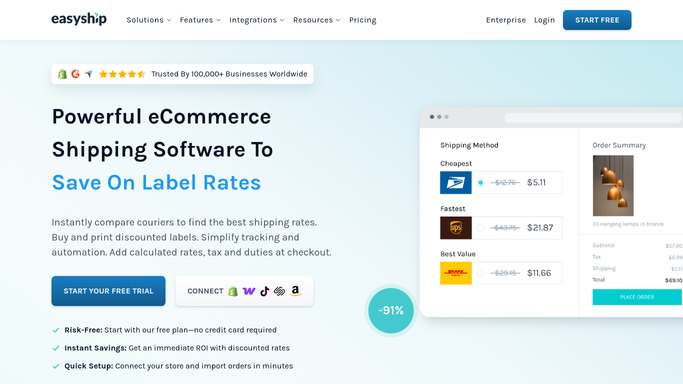
WebRun opens Easyship to check shipment delivery status. - Open the Easyship dashboard and go to Shipments
- Check tracking status for shipments in transit
- Flag any shipment marked as a delivery exception, customs hold, or significant delay
Done when Every in-transit shipment is checked, with exceptions flagged.
-
2
Slack - post the exception digest
slack.com How to Automate Slack

WebRun opens Slack to post the exception digest. - Post a digest of flagged shipments to the fulfillment Slack channel
- Include the tracking number, carrier, and exception reason for each
- Sort by longest-delayed first
Done when The fulfillment team has today's delivery exception digest in Slack.
-
3
Telegram - send an urgent customs alert
telegram.org How to Automate Telegram

WebRun opens Telegram to send an urgent customs alert. - Send a Telegram message for any shipment held at customs for more than 3 days
- Include the tracking number and destination country
- Skip the message on a day with no long customs holds
Done when A same-day Telegram alert goes out only for a customs hold over 3 days.
How is each run configured?
Secure by default
Connect once, stays signed in
WebRun signs in once and keeps each session in a persistent environment, so every run picks up right where it left off.
Every action is checked against this policy before it runs.
Questions, answered
Will it contact the customer about the delay?
No. WebRun only tracks shipment status internally and alerts your team. Any message to the customer about a delay stays a decision your team makes.
What counts as a delivery exception?
Whatever the carrier itself flags through Easyship tracking, such as a failed delivery attempt, customs hold, or address issue, rather than a normal in-transit scan.
Why the 3 day threshold for customs?
A short customs hold often clears on its own, but one lasting more than 3 days is more likely to need active follow-up, so that is where the urgent alert kicks in.
Related templates
Put this on autopilot.
Turn it on in minutes - or have our team set it up for you.