Get instant alerts when dumpster jobs hit exceptions or incidents
Every hour, WebRun scans all active jobs in Starlight Software for exception flags such as overweight tickets, missed pickups, unresolved site access problems, and extended rental overruns, logs each new exception to Google Sheets for the incident log, and posts an immediate alert to the dispatch Slack channel so your team can resolve issues before they become complaints.
- No credit card
- Under $0.01 per run
- Cancel anytime
What does WebRun do on every run?
The exact actions WebRun takes, in order - in plain language, so you can adjust anything.
-
WebRun signs in and gets to work
Opens
www.starlightsoftwaresolutions.comin a real browser with your saved login - no setup, no API keys. -
1
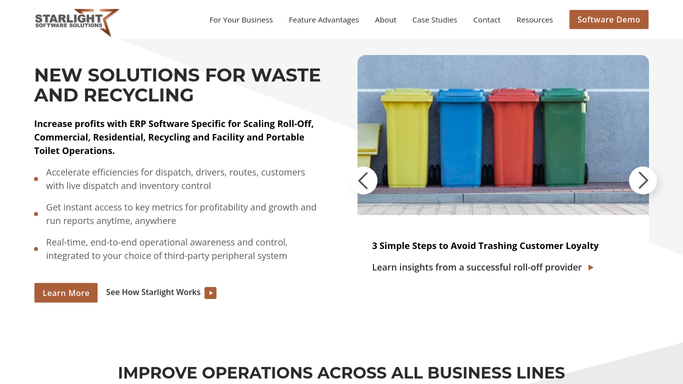
Starlight Software - scan for job exceptions and incident flags
starlightsoftwaresolutions.com How to Automate Starlight Software

WebRun opens Starlight Software to scan for job exceptions and incident flags. - Open Starlight Software and scan all jobs with an Active or In Progress status
- Flag any job showing an overweight ticket, a missed pickup window, an unresolved site access note, or a rental period overrun
- Skip any exception already logged in the past 4 hours to avoid duplicate alerts
Done when All new exceptions not already logged in the past 4 hours are identified.
-
2
Google Sheets - log new exceptions to the incident record
google.com How to Automate Google Sheets
WebRun opens Google Sheets to log new exceptions to the incident record. - Open the incident log Google Sheet
- Append a row for each new exception: job number, customer, exception type, job address, and timestamp
- Update any existing open row for the same job if the exception type has changed
Done when Every new exception is recorded in the incident log with a timestamp.
-
3
Slack - post an immediate exception alert to dispatch
slack.com How to Automate Slack
WebRun opens Slack to post an immediate exception alert to dispatch. - Format a concise exception alert for each new issue: job number, customer name, exception type, site address, and time flagged
- Post the alert immediately to the dispatch Slack channel
- If multiple exceptions exist, group them by type in a single message
Done when Dispatch has received a Slack alert for every new exception within the past hour.


How can I get automatic alerts when a dumpster rental job hits an exception or incident?
Every hour, WebRun scans all active dumpster rental jobs in Starlight Software for exceptions such as overweight tickets, missed pickups, and site access problems. New exceptions are logged to a Google Sheets incident record and posted immediately to the dispatch Slack channel so your team can respond before issues escalate into customer complaints.
- Every job exception surfaces in Slack within one hour of appearing in Starlight
- Duplicate alerts are suppressed so dispatch only sees each new exception once
- A running Google Sheets incident log builds a searchable history of every exception
Built for roll-off dumpster rental companies · waste haulers · dumpster rental dispatchers
How is each run configured?
Secure by default
Connect once, stays signed in
WebRun signs in once and keeps each session in a persistent environment, so every run picks up right where it left off.
Every action is checked against this policy before it runs.
Questions, answered
Does it contact the customer when an exception is found?
No. Every alert goes to your internal dispatch Slack channel only. Dispatch decides how and when to contact the customer based on the exception type.
How does it avoid flooding Slack with duplicate alerts?
WebRun checks the incident log Google Sheet before posting and skips any exception already logged in the past 4 hours. Each exception is only alerted once until it changes status.
What exception types does it detect?
It detects overweight tickets, missed pickup windows, site access problems, and rental period overruns as flagged in Starlight Software. Any exception type stored in Starlight is picked up automatically.
Related templates
Put this on autopilot.
Turn it on in minutes - or have our team set it up for you.