Generate your monthly donation report automatically
On the first Monday of each month, WebRun opens Donorbox, exports last month's donations by campaign and donor type, compiles the figures in a Google Sheet, and posts a Slack summary with the key fundraising metrics.
- No credit card
- Under $0.01 per run
- Cancel anytime
What does WebRun do on every run?
The exact actions WebRun takes, in order - in plain language, so you can adjust anything.
-
WebRun signs in and gets to work
Opens
donorbox.org/org/donationsin a real browser with your saved login - no setup, no API keys. -
1
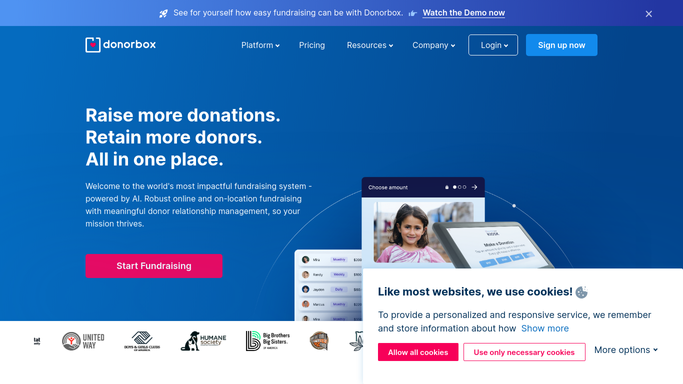
Donorbox - export last month's donations
donorbox.org

WebRun opens Donorbox to export last month's donations. - Open Donorbox and navigate to Donations, filtered to the previous calendar month
- Capture total raised, number of donors, average gift size, and breakdown by campaign
- Separate one-time donors from recurring donors and note any lapsed recurring donors
Done when Last month's full donation data is captured and ready to be compiled into the report.
-
2
Google Sheets - compile the monthly report
google.com How to Automate Google Sheets
WebRun opens Google Sheets to compile the monthly report. - Open the monthly fundraising report spreadsheet and add a new tab for the current month
- Enter total raised, donor count, average gift, campaign breakdown, and recurring vs one-time split
- Calculate month-on-month change compared with the previous tab and highlight key variances
Done when The monthly report tab is complete with all metrics and month-on-month comparisons.
-
3
Slack - post summary to leadership
slack.com How to Automate Slack
WebRun opens Slack to post summary to leadership. - Post a Slack summary with total raised, donor count, top campaign, and the month-on-month change
- Include a link to the Google Sheet for the full breakdown
- Flag any month where total raised is down more than 15% compared with the previous month
Done when The leadership team has a Slack summary with the key numbers and a link to the full report.


How can I automatically generate a monthly donation report for my nonprofit?
On the first Monday of each month, WebRun opens Donorbox, exports the previous month's donations by campaign and donor type, compiles the figures in a Google Sheet, and posts a Slack summary with key fundraising metrics - so leadership has a clear picture without a manual data export.
- Leadership receives a complete monthly fundraising report without manual effort
- Donations segmented by campaign and donor type automatically
- Google Sheets maintains a running historical record of all monthly totals
Built for nonprofit leaders · fundraising managers · board members · charity finance teams
How is each run configured?
Secure by default
Connect once, stays signed in
WebRun signs in once and keeps each session in a persistent environment, so every run picks up right where it left off.
Every action is checked against this policy before it runs.
Questions, answered
Does it modify any donation records in Donorbox?
No. It only reads donation data. Nothing in Donorbox is changed, moved, or deleted.
Can it split the report by campaign or fund?
Yes. It breaks down totals by campaign by default. If you want additional groupings - by fund, donor segment, or region - add them to the plan.
Who sees the Slack summary?
It posts to the Slack channel you specify in the plan. Restrict it to a private leadership channel if the figures are confidential.
Related templates
Put this on autopilot.
Turn it on in minutes - or have our team set it up for you.