Win back lapsed loyalty members with targeted offer drafts
Every Monday, WebRun opens PDI Technologies, identifies loyalty members who have not transacted in 60 days or more, segments them by average spend tier, drafts a personalized Mailchimp winback email for each tier with a relevant offer, and queues the campaigns for your marketing team to review and approve before any email is sent.
- No credit card
- Under $0.01 per run
- Cancel anytime
What does WebRun do on every run?
The exact actions WebRun takes, in order - in plain language, so you can adjust anything.
-
WebRun signs in and gets to work
Opens
pditechnologies.com/increase-productivity/erp-back-officein a real browser with your saved login - no setup, no API keys. -
1
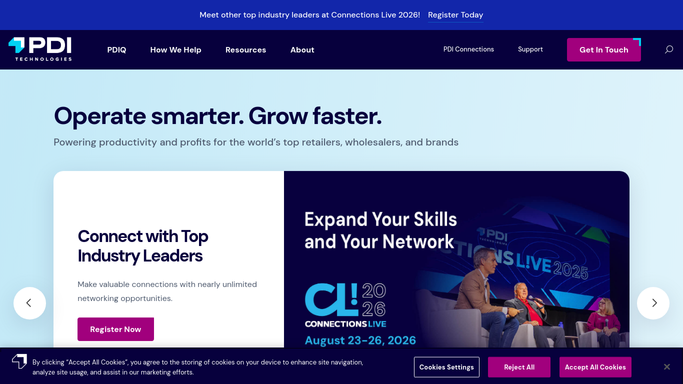
PDI Technologies - identify lapsed loyalty members by spend tier
pditechnologies.com How to Automate PDI Technologies

WebRun opens PDI Technologies to identify lapsed loyalty members by spend tier. - Open PDI Technologies loyalty module and filter members with no transaction in the last 60 days
- Segment the lapsed members into three tiers based on their 12-month average spend: high, mid, and low
- Export each tier with member name, email, last visit date, and average spend
- Exclude members who have opted out of marketing communications
Done when Three segmented lists of lapsed members are ready with contact details and spend tier.
-
2
Mailchimp - draft segmented winback campaign for approval
mailchimp.com How to Automate Mailchimp
WebRun opens Mailchimp to draft segmented winback campaign for approval. - Create or update an audience segment in Mailchimp for each spend tier
- Draft a winback email for each tier: high-tier gets a premium fuel discount, mid-tier gets a snack combo offer, low-tier gets a general loyalty points bonus
- Personalize the subject line with the member's first name and the offer
- Save all three campaigns as drafts - do not schedule or send
- Notify the marketing team that winback drafts are ready for review
Done when Three Mailchimp draft campaigns are saved, one per spend tier, awaiting marketing approval.

How do I automatically create winback campaigns for lapsed convenience store loyalty members?
WebRun opens PDI Technologies every Monday, finds loyalty members who have not visited in 60 days, and segments them into spend tiers. It drafts a personalized Mailchimp winback email for each tier with a relevant offer and queues all campaigns for your marketing team to approve before a single email is sent.
- Lapsed loyalty members are identified and segmented every week without manual exports
- Personalized winback drafts are ready for approval every Monday morning
- Opted-out members are automatically excluded from all campaign lists
Built for convenience store marketers · c-store loyalty managers · fuel retail operators
How is each run configured?
Secure by default
Connect once, stays signed in
WebRun signs in once and keeps each session in a persistent environment, so every run picks up right where it left off.
Every action is checked against this policy before it runs.
Questions, answered
Will it send winback emails to customers automatically?
No. All three campaign drafts are saved in Mailchimp and held for your marketing team to review. No email is sent until a human approves and launches the campaign.
How does it decide which offer to use for each tier?
You set the offer text for each spend tier during setup. WebRun picks the right offer based on the member's 12-month average spend and personalizes the subject line with their first name.
What if a lapsed member has opted out of marketing?
Opted-out members are excluded from all lists before any draft is created, so unsubscribed contacts are never included in a campaign.
Related templates
Put this on autopilot.
Turn it on in minutes - or have our team set it up for you.