Know which tank frees up next before you need it
Every hour during production hours, WebRun opens Ekos, checks the occupancy and expected free date of every fermenter and bright tank, logs the current tank map to a running Google Sheet, and pings Telegram the moment a tank frees up or two scheduled batches are set to collide.
- No credit card
- Under $0.01 per run
- Cancel anytime
What does WebRun do on every run?
The exact actions WebRun takes, in order - in plain language, so you can adjust anything.
-
WebRun signs in and gets to work
Opens
app.goekos.comin a real browser with your saved login - no setup, no API keys. -
1
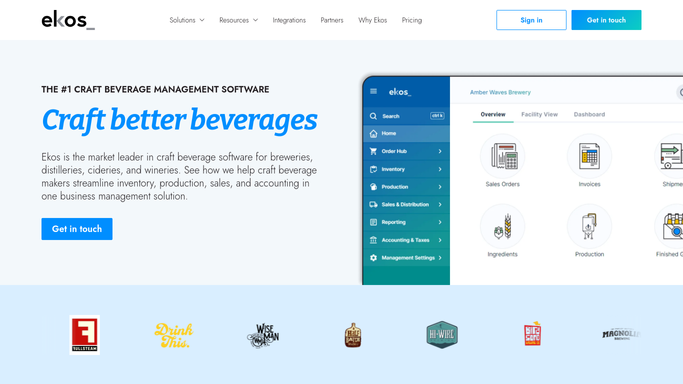
Ekos - check tank occupancy and expected free dates
goekos.com How to Automate Ekos

WebRun opens Ekos to check tank occupancy and expected free dates. - Open Ekos and go to the tank or vessel management view
- Capture the current status, contents, and expected free date for every fermenter and bright tank
- Compare expected free dates against the upcoming brew schedule to spot conflicts
Done when Every tank has a current status and, if occupied, an expected free date checked against the schedule.
-
2
Google Sheets - log the current tank map
google.com How to Automate Google Sheets
WebRun opens Google Sheets to log the current tank map. - Open the tank map Google Sheet
- Update each tank's row with its current status and expected free date
- Highlight any tank now free or expected to conflict with a scheduled brew
Done when The tank map sheet reflects this hour's occupancy and any highlighted conflicts.
-
3
Telegram - ping when a tank opens or conflicts
telegram.org How to Automate Telegram
WebRun opens Telegram to ping when a tank opens or conflicts. - Send a ping the moment a tank changes from occupied to free
- Send a separate alert if two scheduled batches are on track to need the same tank
- Stay quiet when nothing has changed since the last check
Done when The brewing team is pinged only when a tank opens up or a real conflict appears.


How do I know when a fermentation tank will free up next?
WebRun checks tank and fermenter occupancy in Ekos every hour during production, logs the current tank map to Google Sheets, and pings Telegram the moment a tank frees up or two scheduled batches are on track to need the same vessel, so your brewing team catches open capacity and scheduling conflicts before they cause a delay.
- The team knows a tank is free within the hour, not the next morning
- Scheduling conflicts surface days before two batches actually collide
- No manual walk through of the tank room needed to check capacity
Built for craft breweries · head brewers · production managers · brewhouse operators
How is each run configured?
Secure by default
Connect once, stays signed in
WebRun signs in once and keeps each session in a persistent environment, so every run picks up right where it left off.
Every action is checked against this policy before it runs.
Questions, answered
Will it notify us for every tank check, even with no change?
No. WebRun only sends a Telegram ping when a tank actually frees up or a real scheduling conflict appears. A normal hourly check with no change stays quiet.
Does it move batches to a different tank on its own?
No. It only flags the conflict. Reassigning a batch to a different tank stays a decision your head brewer makes in Ekos.
How does it know a conflict is coming?
It compares each occupied tank's expected free date in Ekos against the upcoming brew schedule, so it can flag a collision days before it would actually happen.
Related templates
Put this on autopilot.
Turn it on in minutes - or have our team set it up for you.