Monitor court dockets for new filings and updates
Every morning, WebRun logs into PACER and checks the docket for each active federal litigation matter, captures any new entries since the last run, cross-references them with the matter in Clio, and posts a concise filing digest to the responsible attorney in Slack.
- No credit card
- Under $0.01 per run
- Cancel anytime
What does WebRun do on every run?
The exact actions WebRun takes, in order - in plain language, so you can adjust anything.
-
WebRun signs in and gets to work
Opens
pacer.uscourts.govin a real browser with your saved login - no setup, no API keys. -
1
PACER - check dockets for new filings
pacer.uscourts.gov

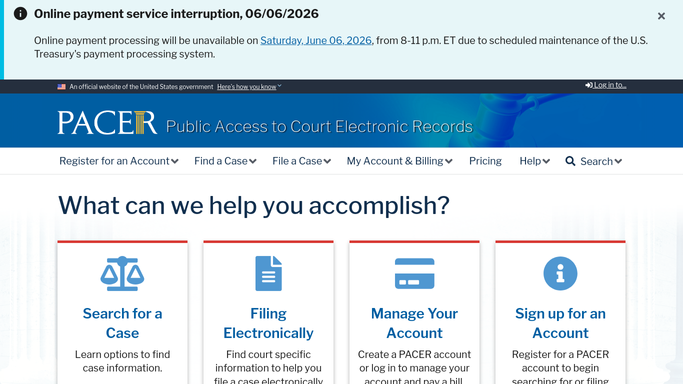
WebRun opens PACER to check dockets for new filings. - Log into PACER and open the docket for each configured case number
- Filter the docket to entries filed since the previous morning's run
- For each new entry, capture the filing date, docket number, document type, and filing party
Done when All new docket entries since the last run are captured for every active matter.
-
2
Clio - match filings to active matters
clio.com How to Automate Clio
WebRun opens Clio to match filings to active matters. - Match each new docket entry to the corresponding Clio matter using the case number
- Log a Clio note on the matter with the docket entry details and date
- Flag any entry that appears to require a response or deadline - e.g. orders, motions - for attorney attention
Done when Each new docket entry is logged in the relevant Clio matter and flagged if it requires action.
-
3
Slack - deliver the docket digest to attorneys
slack.com How to Automate Slack
WebRun opens Slack to deliver the docket digest to attorneys. - Post a morning docket digest to each responsible attorney's Slack channel, grouped by matter
- Highlight any filings that require a response or have a new deadline in bold
- Include a direct PACER link to each new docket entry
Done when Each attorney has received their morning docket digest with any action items clearly flagged.


How can I automatically monitor court dockets for new filings and updates?
Every morning, WebRun logs into PACER and checks the docket for each active federal litigation matter, captures any new entries since the last run, cross-references them with the matter in Clio, and posts a concise filing digest to the responsible attorney in Slack - so new filings are never missed.
- New PACER filings surfaced every morning before the business day begins
- Each docket entry cross-referenced to the correct Clio matter automatically
- Attorneys never miss a new filing across active federal litigation matters
Built for litigation attorneys · law firm associates · legal operations teams · in-house litigation counsel
How is each run configured?
Secure by default
Connect once, stays signed in
WebRun signs in once and keeps each session in a persistent environment, so every run picks up right where it left off.
Every action is checked against this policy before it runs.
Questions, answered
Can it cover all courts - state, federal, and appellate?
It monitors federal courts via PACER. State court coverage depends on the court's public docket system - tell WebRun which state court URLs to check and it will include them.
Will it file a response on my behalf?
No. WebRun reads and reports only. Filing responses, motions, or any court document is always done by the attorney manually.
What if a docket entry triggers a new deadline?
WebRun flags it clearly in the Slack digest and logs it in Clio. Adding the deadline as a formal Clio task is done by the attorney so the date is reviewed and confirmed before it is calendared.
Related templates
Put this on autopilot.
Turn it on in minutes - or have our team set it up for you.