Confirm every scheduled job actually ran overnight
Every morning, WebRun opens your Convex dashboard, compares last night's function runs and logs against the cron jobs that were supposed to fire, files the result as a dated run record in Google Drive, and drafts a Twilio text for the developer on call about any job that never started.
- No credit card
- Under $0.01 per run
- Cancel anytime
How do I check that my scheduled Convex jobs actually ran?
WebRun checks your Convex deployment every morning, listing which scheduled functions and cron jobs ran overnight and which never started. It files the run record in Google Drive and drafts a Twilio text for the on-call developer, queued for your approval, so a silent missed job is caught before anyone downstream needs its data.
- A job that never fired is caught in the morning, not when the data is needed
- Every night's run history is kept in your own Drive folder
- The on-call developer gets one text covering all missing jobs, not none
Built for backend developers · on-call engineers · small product teams · indie SaaS founders
What does WebRun do on every run?
The exact actions WebRun takes, in order - in plain language, so you can adjust anything.
-
WebRun signs in and gets to work
Opens
dashboard.convex.devin a real browser with your saved login - no setup, no API keys. -
1
Convex - check overnight scheduled runs
convex.dev
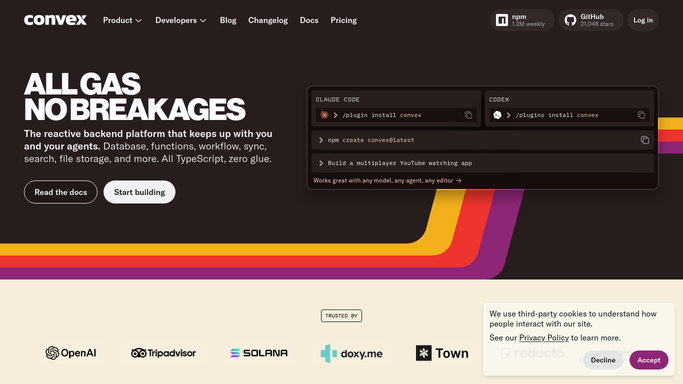
WebRun opens Convex to check overnight scheduled runs. - Open the Convex dashboard for the production deployment
- List the cron jobs and scheduled functions that were due overnight
- Read the logs and function runs for the same window and mark each job ran, failed, or never started
- Note the last successful run time for anything missing
Done when Every scheduled job due overnight is marked ran, failed, or missing.
-
2
Google Drive - file the daily run record
drive.google.com How to Automate Google Drive

WebRun opens Google Drive to file the daily run record. - Open the deployment health folder in Google Drive
- Append today's dated record: job name, expected time, actual run time, and status
- Keep the running history so a pattern of skipped nights is visible
Done when Today's run record is filed in Google Drive next to the previous days.
-
3
Twilio - draft an alert about missing jobs
twilio.com How to Automate Twilio

WebRun opens Twilio to draft an alert about missing jobs. - Draft a short text naming each job that never started and how long it has been silent
- Address it to the on-call number saved in your Twilio account
- Leave the message queued for your approval. WebRun never sends a text on its own and never messages a customer
Done when A text about missing jobs is queued in Twilio for you to approve.
How is each run configured?
Secure by default
Connect once, stays signed in
WebRun signs in once and keeps each session in a persistent environment, so every run picks up right where it left off.
Every action is checked against this policy before it runs.
Questions, answered
Will it text anyone without my approval?
No. WebRun drafts the text in Twilio and leaves it queued for you to approve. It only ever addresses the on-call number you saved, and it never messages a customer.
How does it spot a job that failed silently?
It compares the scheduled jobs that were due against the function runs and logs for the same window in Convex. A job with no run at all is reported as missing, even though it threw no error.
Does it restart or change anything in Convex?
No. WebRun only reads the dashboard, the logs, and the run history. Rerunning a job or editing a deployment stays a decision you make yourself.
Related templates
Put this on autopilot.
Turn it on in minutes - or have our team set it up for you.