Hand off broken Convex functions to the right developer
Every hour, WebRun opens the Convex dashboard, checks the deployment logs for functions that threw an error since the last check, opens a Trello card naming the function and the error message, and posts the card link to Microsoft Teams so the on-call developer can claim and fix it.
- No credit card
- Under $0.01 per run
- Cancel anytime
What does WebRun do on every run?
The exact actions WebRun takes, in order - in plain language, so you can adjust anything.
-
WebRun signs in and gets to work
Opens
dashboard.convex.devin a real browser with your saved login - no setup, no API keys. -
1
Convex - check function error logs
convex.dev

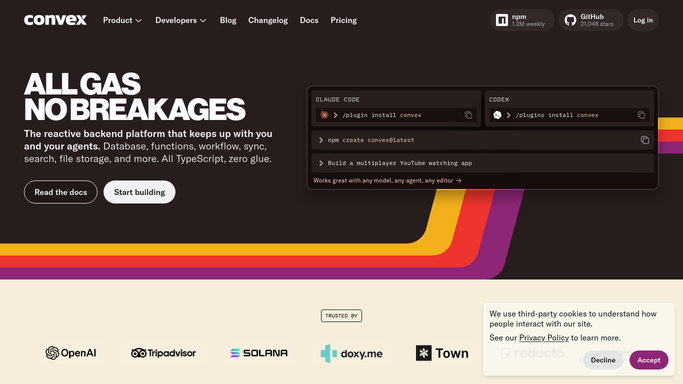
WebRun opens Convex to check function error logs. - Open the Convex dashboard and review the logs for the deployment
- Filter to function calls that ended in an error since the last check
- Capture the function name and the error message
Done when Every function error since the last check is listed with its message.
-
2
Trello - open a card for each error
trello.com How to Automate Trello
WebRun opens Trello to open a card for each error. - Open the backend issues board in Trello
- Create a card per errored function with the error message and a link back to the Convex log
- Skip creating a duplicate card if one is already open for that function
Done when Every new error has exactly one open Trello card.
-
3
Microsoft Teams - notify the on-call developer
microsoft.com How to Automate Microsoft Teams
WebRun opens Microsoft Teams to notify the on-call developer. - Post the new Trello card link to the on-call channel in Microsoft Teams
- Name the function and the error type in the message
- Leave the fix itself to whoever picks up the card
Done when The on-call channel has a message for every new error card.


How do I make sure a Convex function error gets picked up by someone?
WebRun checks your Convex deployment logs every hour for functions that threw an error. For each new error, it opens a Trello card naming the function and the error message, then posts the card to Microsoft Teams so the on-call developer can claim it, turning a silent backend failure into a tracked, assigned fix within the hour.
- Every function error gets a tracked card, not a missed log line
- The on-call developer is notified within the hour
- No duplicate cards piling up for the same ongoing error
Built for backend developers · startup engineering teams · platform teams · solo developers
How is each run configured?
Secure by default
Connect once, stays signed in
WebRun signs in once and keeps each session in a persistent environment, so every run picks up right where it left off.
Every action is checked against this policy before it runs.
Questions, answered
Does it redeploy or patch the function itself?
No. WebRun only reads the deployment logs and files a card with what broke. Fixing and redeploying the function stays with whoever picks up the card.
Will I get a duplicate card for the same ongoing error?
No. It checks for an already-open card on that function before creating a new one, so a repeated error does not spam the board.
How fast does the on-call developer find out?
Within the hour. Each check posts straight to Microsoft Teams, so a broken function does not sit undiscovered until someone happens to check the logs.
Related templates
Put this on autopilot.
Turn it on in minutes - or have our team set it up for you.