Repurpose long content into social threads
Every Monday, WebRun reads your most recent WordPress posts published in the past week, drafts a social thread for each in Buffer, leaves every thread in 'Draft' status for your approval, and notifies you in Slack with a preview.
- No credit card
- Under $0.01 per run
- Cancel anytime
 WordPress
read recent published posts
WordPress
read recent published posts
What does WebRun do on every run?
The exact actions WebRun takes, in order - in plain language, so you can adjust anything.
-
WebRun signs in and gets to work
Opens
wordpress.com/postsin a real browser with your saved login - no setup, no API keys. -
1
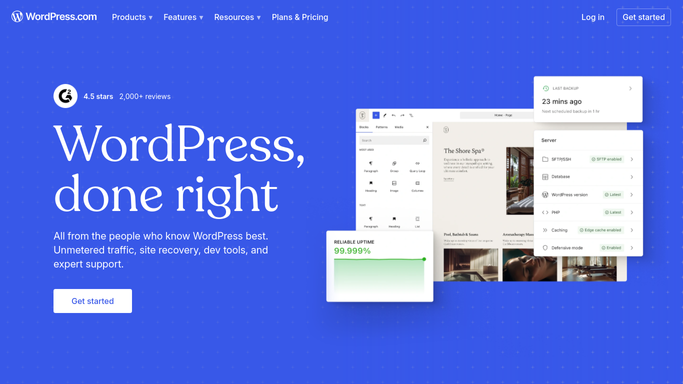
WordPress - read recent published posts

WebRun opens WordPress to read recent published posts. - Open the Posts section and filter for posts published in the last 7 days
- Open each post and read the title, main arguments, and key takeaways
- Note the word count and the primary topic for thread structure
Done when All posts from the past week are read and their key points captured.
-
2
Buffer - draft social threads
buffer.com How to Automate Buffer
WebRun opens Buffer to draft social threads. - Open Buffer and create a new thread draft for each post
- Write a 6 to 8 part thread: hook, three key ideas, one data point or quote, and a call-to-action linking back to the post
- Save each thread as a Draft - do not schedule or publish yet
Done when Every post has a full social thread drafted and saved in Buffer, not yet scheduled.
-
3
Slack - notify you with a preview
slack.com How to Automate Slack
WebRun opens Slack to notify you with a preview. - Post a Slack message showing the first line of each draft thread and a link to review it in Buffer
- Ask the team to approve or edit before scheduling
Done when You have a preview of each draft thread in Slack and can approve in one click.

How can I automatically repurpose blog posts into social media threads?
Every Monday, WebRun reads your most recent WordPress posts published in the past week, drafts a social thread for each piece of long-form content in Buffer, leaves every thread in Draft status for your approval, and notifies you in Slack with a preview - so content gets repurposed consistently without extra writing time.
- Every published blog post turned into a social thread without extra writing time
- All drafted threads held for approval - nothing posted without your review
- Consistent social content output even during busy publishing weeks
Built for content marketers · social media managers · bloggers · marketing teams
How is each run configured?
Secure by default
Connect once, stays signed in
WebRun signs in once and keeps each session in a persistent environment, so every run picks up right where it left off.
WordPress
Sign in once
Every action is checked against this policy before it runs.
Questions, answered
Will it post the threads publicly without me seeing them first?
No. Every thread is saved as a draft in Buffer and nothing is scheduled until you approve it. WebRun will never post publicly without your sign-off.
Which social profiles does it draft for?
Whichever profiles are connected to your Buffer account. You can point it at one platform or several - the same draft can be adapted per channel.
What if I only want threads for certain posts?
You can tag specific WordPress posts with a label (e.g. 'repurpose') and WebRun will only pick up those tagged posts each week.
Related templates
Put this on autopilot.
Turn it on in minutes - or have our team set it up for you.